My Blog
Shopify User Experience: 5 Game-Changing Updates You Need to Try Today
In today’s competitive online marketplace, your Shopify store’s user experience can make or break your business success. A well-designed UX isn’t just about making your site look pretty—it’s about creating intuitive interactions that guide customers smoothly from browsing to chec…
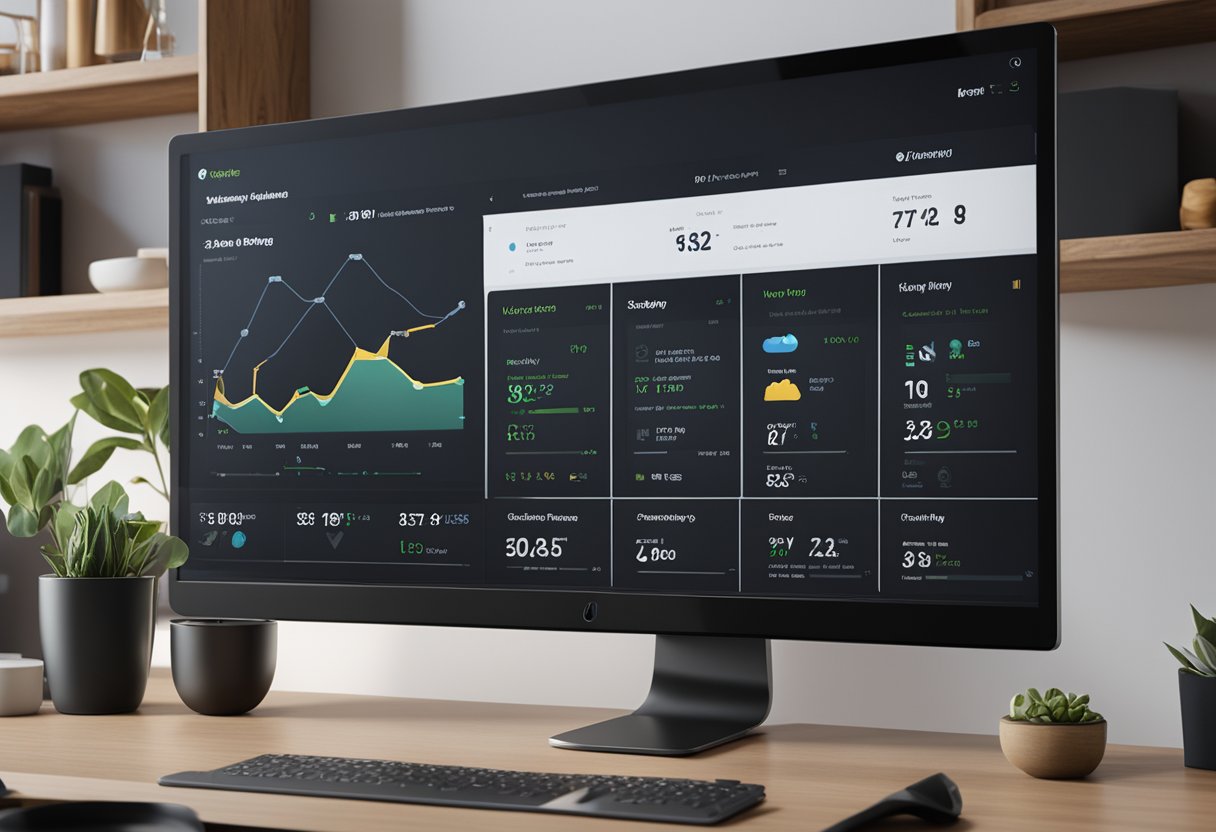
In today’s competitive online marketplace, your Shopify store’s user experience can make or break your business success. A well-designed UX isn’t just about making your site look pretty—it’s about creating intuitive interactions that guide customers smoothly from browsing to checkout.
Good Shopify UX design reduces friction points, builds trust with customers, and ultimately converts more browsers into buyers.
First impressions happen fast in the digital world. When visitors land on your Shopify store, they form opinions about your brand within seconds.
That’s why elements like clear navigation, fast load times, and mobile responsiveness aren’t just nice-to-haves—they’re essential.
We’ve seen countless stores boost their conversion rates simply by streamlining their user journey and making product discovery easier.
Creating a Welcoming Storefront
Your online storefront is the digital face of your business. It’s where first impressions happen and customers decide whether to stay or leave.
Making it welcoming isn’t just about looks—it’s about creating an experience that feels right for your visitors.
Designing with Your Brand in Mind
Your Shopify store should scream “you” from the moment someone lands on it. Choose a theme that aligns with your brand personality—whether that’s minimalist, colorful, or sophisticated.
Colors matter! Pick a color scheme that matches your brand identity and stick to it throughout your site. We recommend using:
- 1-2 primary colors for main elements
- 1-2 accent colors for buttons and highlights
- Neutral tones for backgrounds and text
Typography affects how people feel about your store. Select fonts that are both readable and reflect your brand’s vibe. Limit yourself to 2-3 font styles to keep things clean.
Don’t forget about product photos! High-quality images that show your products from multiple angles help customers feel confident in their purchases.
Optimizing for Usability
A pretty store means nothing if people can’t use it. Navigation should be intuitive and simple.
We suggest organizing your menu into logical categories with clear labels. Avoid industry jargon that might confuse newcomers to your niche.
Make your CTAs (Call-to-Action buttons) stand out! Use contrasting colors and action-oriented text like “Get Yours Now” or “See Collection.”
Mobile optimization isn’t optional anymore—it’s essential. Check how your store looks on various devices:
- Smartphones (both iPhone and Android)
- Tablets
- Desktop computers
Page loading time matters too! Compress images and minimize unnecessary elements that slow down your site.
Instilling Trust from the Get-Go
Visitors need to feel safe before they’ll hand over their credit card info. Display trust badges and security features prominently during checkout.
Add social proof throughout your store:
- Customer reviews under products
- Star ratings for popular items
- Testimonials from happy buyers
Be transparent about your policies. Make information about shipping, returns, and privacy easy to find.
Include an “About Us” section that tells your story. People connect with brands that feel human and authentic.
Show your contact information clearly. Nothing builds trust like knowing there are real people behind the screen who can help if needed.
Enhancing Customer Journey
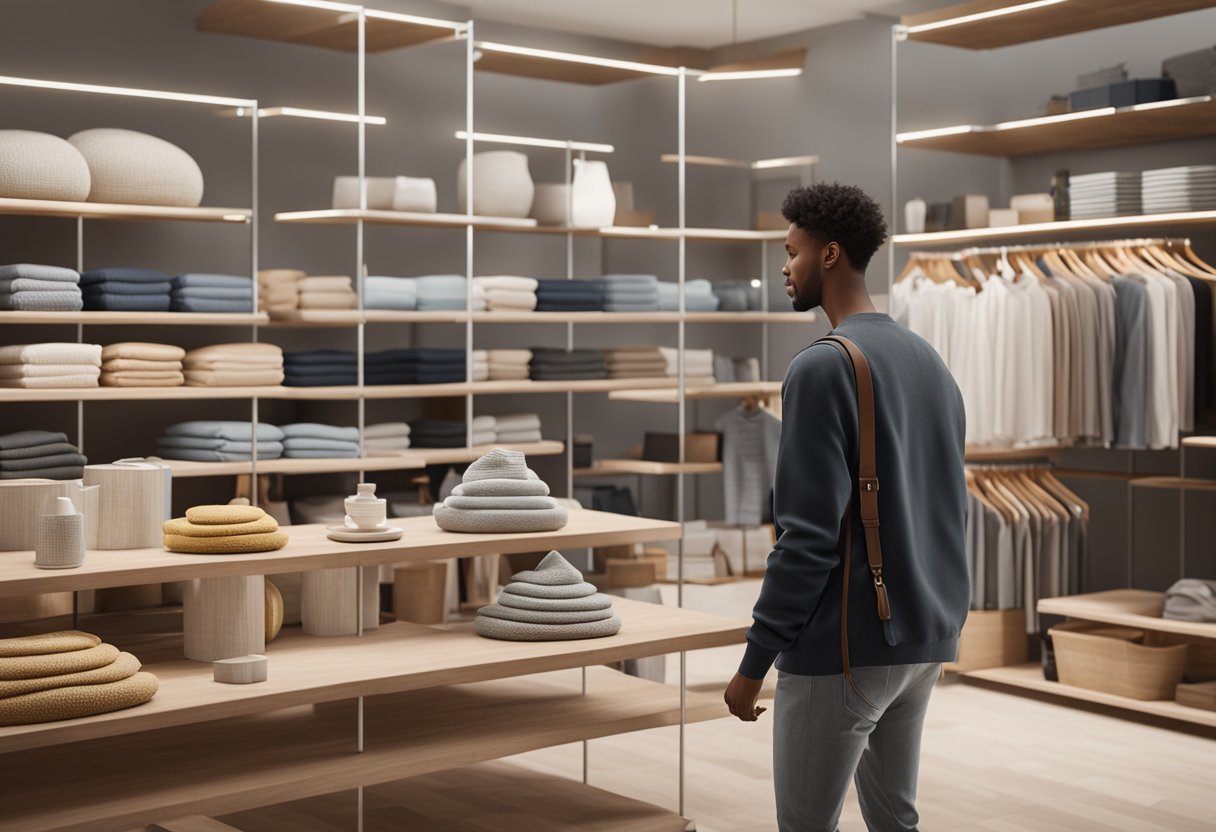
Making your Shopify store more customer-friendly is all about creating smooth pathways from discovery to purchase. When you optimize each step of the customer journey, you can boost satisfaction and increase your sales.
Streamlining the Shopping Experience
Your online store should be easy to navigate from the moment customers land on it. Think of it as your digital storefront – first impressions matter!
Quick navigation tips:
- Keep your menu simple with clear categories
- Make your search bar visible and smart
- Ensure your site loads in under 3 seconds
Product positioning is super important too. We’ve found that displaying products with multiple high-quality images and detailed descriptions helps customers make decisions faster.
Personalization can work wonders! Try showing “recommended for you” sections based on browsing history. Our clients have seen conversion rates jump by 25% after adding these features.
Virtual try-on tools are gaining popularity for clothing and accessory stores. They reduce return rates and build shopping confidence.
Simplifying Checkout and Support
Shopping cart abandonment is a real problem! We’ve seen that streamlined checkouts can save up to 30% of potentially lost sales.
Checkout must-haves:
- Guest checkout option
- Multiple payment methods
- Clear shipping costs upfront
- Progress indicators
Payment processing should be seamless. Adding options like Shop Pay, Apple Pay, and PayPal gives customers their preferred way to pay.
Customer service shouldn’t end after purchase. A clear return policy builds trust, and adding live chat support answers questions before they become problems.
We’ve noticed that stores with easily accessible customer service links throughout the shopping journey see higher customer satisfaction scores and repeat purchases.


