My Blog
Shopify Theme Performance: 10 Lightning-Fast Tweaks That Will Make Your Store Zoom Past Competitors
Choosing the right Shopify theme can make or break your online store’s success. When your site loads quickly, customers stick around longer, browse more products, and are more likely to make purchases. A fast-loading Shopify theme can significantly improve user experience, boost…
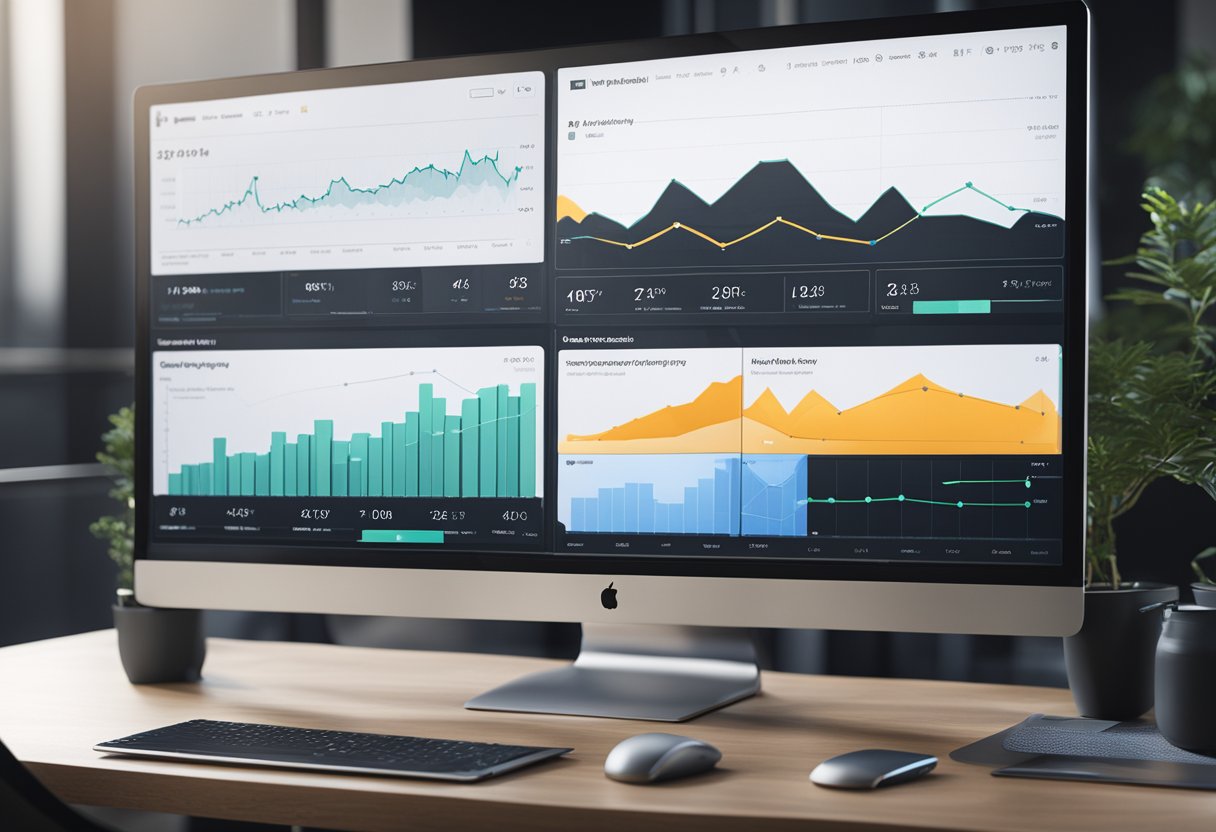
Choosing the right Shopify theme can make or break your online store’s success. When your site loads quickly, customers stick around longer, browse more products, and are more likely to make purchases. A fast-loading Shopify theme can significantly improve user experience, boost your conversion rates, and ultimately increase your sales.
Recent data shows that performance varies widely across themes, with some free Shopify themes outperforming paid ones. For example, the Booster theme achieved an impressive 98 performance score with just 1.1 second loading time! Meanwhile, Shopify requires all themes in their official Theme Store to maintain a minimum average Lighthouse performance score of 60 across key pages.
We’ve researched the fastest Shopify themes for 2025 to help you make the best choice for your business. From Core Web Vitals to overall page speed, the right theme can transform your store’s performance without requiring technical expertise.
Let’s dive deeper into what makes a Shopify theme fast and how you can choose one that keeps customers happy and sales flowing!
Boosting Your Shopify Speed
Speed matters for your online store! A faster Shopify site means happier customers, better conversion rates, and improved search rankings.
Let’s dive into practical ways to make your store zoom.
Speed Optimization Essentials
Start with the basics that make the biggest impact. Choose a lightweight theme that’s built for speed. Shopify’s free themes are often well-optimized out of the box.
Images are usually the biggest culprits of slow loading times. We recommend:
- Compressing all images before uploading them
- Keeping image dimensions appropriate (no 4000px wide images for thumbnails!)
- Converting GIFs to static images or short videos when possible
Too many apps can seriously slow down your store. Review your installed apps regularly and remove any you don’t absolutely need. Each app adds scripts that increase loading time.
Use tools like GTmetrix or Shopify’s built-in speed score to measure your progress. These tools show your page load time and suggest specific improvements.
Under the Hood: Code and Customizations
Clean code is fast code! When customizing your theme, keep it tidy.
Custom code tips:
- Minimize JavaScript usage where possible
- Combine CSS files to reduce HTTP requests
- Remove unused code snippets that accumulate over time
Be cautious with animations – they’re pretty but can tank your loading speed. Stick to simple, lightweight animations or skip them entirely for maximum performance.
For the tech-savvy store owners, consider using Shopify’s new Online Store 2.0 features. They allow for more modular, efficient code that loads only what’s needed.
Want to check your custom code’s impact? Use Shopify’s theme editor to preview changes before publishing them. This helps identify performance issues before they affect customers.
Leveraging Assets and External Resources
Smart use of external resources can dramatically boost your site speed.
Content Delivery Networks (CDNs) are your friends! Shopify has a built-in CDN, but you can enhance it with services like Cloudflare to deliver content even faster to customers worldwide.
Minimize external scripts whenever possible. Each third-party script (like tracking pixels or chat widgets) adds loading time to your pages. Consider using:
- Google Tag Manager to consolidate tracking scripts
- Lazy loading for non-essential elements
- Deferred loading for scripts that aren’t needed immediately
Server response time matters too! Optimize your theme’s settings to reduce database queries and improve time to first byte (TTFB).
Remember that mobile optimization is crucial. Most shoppers browse on phones, so test your speed on mobile devices regularly to ensure a smooth experience for all customers.
Sculpting the Perfect User Experience
Your Shopify theme isn’t just about looking pretty—it’s about creating an experience that converts visitors into customers. A well-designed store makes shopping feel natural and enjoyable while quietly boosting your sales.
Image Mastery for Optimal Engagement
Let’s talk about images—they’re the backbone of your e-commerce store! Heavy images can slow down your site like nobody’s business. We recommend these quick fixes:
- Compress everything: Use tools like TinyPNG or Shopify’s built-in image optimizer
- Embrace WebP format: It’s up to 30% smaller than JPG with the same quality
- Implement lazy loading: Only load images as customers scroll to them
- Resize appropriately: Don’t use 2000px images for 500px spaces
The right thumbnails matter too! Keep them consistent in size and style across your store. This gives your shop that polished, professional feel customers trust.
Remember, high-quality doesn’t mean high-filesize. A properly optimized image looks great while loading fast.
Responsive Design and Mobile Performance
Over 70% of Shopify traffic comes from mobile devices these days. Is your store ready?
Here’s what works:
- Test on real devices – not just your desktop browser’s mobile view
- Simplify navigation on smaller screens
- Make buttons thumb-friendly (at least 44px × 44px)
- Implement browser caching to speed up repeat visits
Your mobile site should feel just as good as desktop—maybe better! Think about those thumb zones when designing menus and checkout buttons.
Stores have doubled their conversion rates by fixing mobile performance issues. Test your site’s mobile-friendliness with Google’s Mobile-Friendly Test tool. Your SEO rankings will thank you too!


