My Blog
Shopify Theme Branding: 5 Simple Ways to Make Your Online Store Unforgettably You
Making your Shopify store stand out starts with a well-branded theme that speaks to your unique identity.
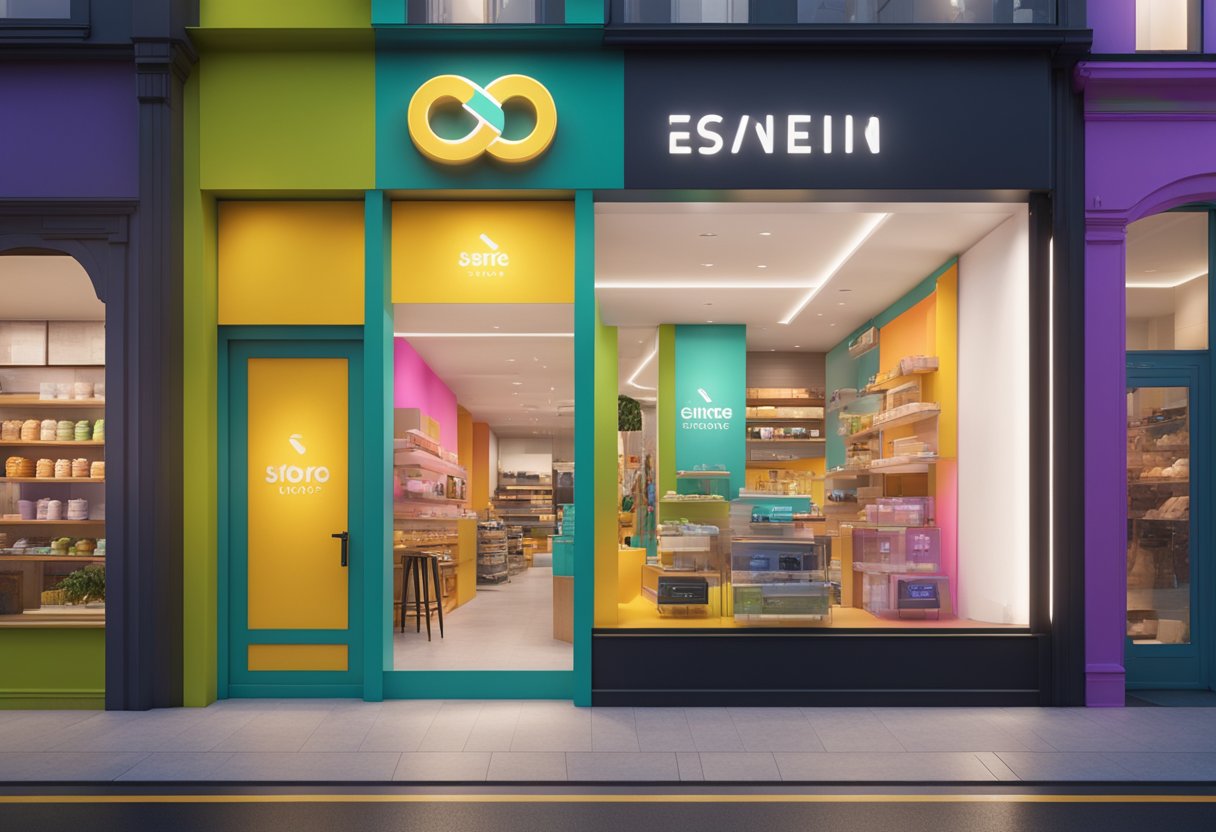
Making your Shopify store stand out starts with a well-branded theme that speaks to your unique identity.
A properly branded Shopify theme creates a consistent shopping experience that builds trust with customers and makes your online store instantly recognizable. When visitors land on your site, they should immediately understand who you are and what makes your brand special.
Your theme is more than just colors and fonts—it’s the digital storefront that welcomes customers and guides them through their shopping journey.
Many store owners underestimate how much their theme’s design influences purchasing decisions.
With Shopify’s Theme Store offering over 100 professional templates, you have plenty of options to start with, but the real magic happens when you customize these templates to match your brand guidelines.
Let’s dive deeper into how you can transform a standard Shopify theme into a powerful branding tool that captures your company’s personality and connects with your target audience…
Personalizing Your Shopify Theme
Making your online store stand out starts with personalizing your Shopify theme. The right customizations can transform a basic template into a unique shopping experience that reflects your brand identity.
Choosing the Right Theme
Finding the perfect Shopify theme is like choosing the foundation for your digital storefront. The Shopify Theme Store offers both free and paid options to fit different budgets and business needs.
Free themes are great for beginners or businesses with limited resources. They offer clean designs and essential features to get you started.
We’ve found that even free themes can look professional with the right customizations!
Paid themes (typically $150-$350) come with more advanced features like:
- Enhanced product filtering
- Improved mobile responsiveness
- More customization options
- Specialized layouts for specific industries
When selecting a theme, consider your product type, catalog size, and the shopping experience you want to create. Always check that your theme is fully responsive for mobile shoppers – that’s where most of your customers will be!
Customization Wins the Day
Once you’ve chosen a theme, it’s time to make it your own! To access the theme editor, go to your Shopify dashboard, click “Online Store” and then “Themes.” Find your current theme and click “Customize.”
The theme editor lets you change almost everything without coding knowledge. Here are the key elements you can personalize:
- Colors: Match your brand palette for logos, buttons, and backgrounds
- Typography: Select fonts that reflect your brand personality
- Layout: Rearrange sections to highlight what matters most
- Content: Add your own images, videos, and text blocks
Don’t be afraid to experiment! The preview function lets you see changes before publishing. We recommend making one change at a time so you can easily track what works.
Navigating the Sea of Templates
Each Shopify theme comes with different templates for various page types.
Most themes include specialized layouts for:
- Homepage
- Product pages
- Collection pages
- About us
- Contact
Take time to customize each template type. Your product pages deserve special attention since that’s where customers make purchase decisions.
Look for themes with “sections” functionality – this feature lets you easily add, remove, and rearrange content blocks on your pages. It’s like building with digital Legos!
Remember that consistency is key. Maintain similar styles across all your templates to create a cohesive brand experience. We suggest creating a simple brand style guide to keep your customizations on track.
Maximizing Engagement and Conversions with Design

Your Shopify theme design plays a crucial role in turning visitors into customers. The right design choices can showcase your products effectively, guide users smoothly through your store, and reinforce your unique brand identity.
The Art of Showing Off Products
Let’s face it – beautiful product displays sell!
High-quality images are non-negotiable in today’s competitive e-commerce landscape. We recommend using at least 3-5 photos per product, showing different angles and the item in use.
Product filtering is another game-changer. Make it easy for customers to find exactly what they want with:
- Color/size/material filters
- Price range sliders
- New arrivals section
- Featured collections
Customer reviews should be prominently displayed on product pages. They build trust and provide social proof that your products deliver on their promises. Consider adding a star rating system that’s easily visible from both product pages and collection pages.
Don’t forget about mobile optimization! More than half of shoppers browse on their phones, so your product displays need to look stunning on smaller screens too.
Building an Intuitive User Journey
Nobody likes a confusing store layout! A user-friendly journey means visitors can find what they want without frustration – and that means more sales for you.
Start with a clean, logical navigation menu. Categories should make sense to your customers (not just to you). Think about how they would search for products.
Some must-have navigation elements include:
- Prominent search bar
- Clear call-to-action buttons
- Simplified checkout process (fewer steps = higher conversion)
- Easy-to-find contact information
Heat mapping tools can show you where visitors click most often. This helps you place important elements where eyes naturally go. Remember, most people scan in an F-pattern – important stuff should be at the top and left.
Consider the “three-click rule” – customers should be able to find any product within three clicks from your homepage.
Reinforcing Brand Identity Through Visuals
Your brand isn’t just a logo – it’s the entire visual experience of your store. Consistency is key to building recognition and trust with customers.
Choose a color palette that reflects your brand personality and stick with it throughout your store. We recommend using 2-3 primary colors and 1-2 accent colors for visual interest without overwhelming visitors.
Typography matters more than most store owners realize! Select fonts that match your brand vibe (playful, luxury, minimalist, etc.) and are easily readable on all devices. Also, make sure they work well in different sizes.
Use your brand visuals strategically in banners, product backgrounds, and promotional areas. Custom icons and illustrations can help differentiate your store from competitors using the same Shopify theme.
Don’t underestimate the power of white space! Giving elements room to breathe creates a more premium feel and helps guide the eye to what’s important.


