My Blog
Shopify Site Map: Your Secret Weapon for Boosting Store Visibility in 2025
Have you ever wondered why some online stores get more visitors from Google? A sitemap could be the secret weapon your Shopify store is missing.

Have you ever wondered why some online stores get more visitors from Google? A sitemap could be the secret weapon your Shopify store is missing.
A Shopify sitemap is an XML file that helps search engines find and index all the pages on your website. It improves your visibility in search results and can increase your organic traffic and sales.
Setting up a sitemap isn’t just tech jargon—it’s a practical way to boost your store’s SEO performance. The good news? Shopify automatically generates this file for you, making it easier to get your products in front of potential customers without extra coding work.
We know growing your ecommerce business requires smart tactics that deliver real results. Whether you’re just starting out or looking to increase revenue from organic search, your sitemap plays a crucial role in helping Google understand your store structure.
Diving Into the Shopify Sitemap Essentials
Let’s unravel what makes Shopify sitemaps tick and why they’re crucial for your online store’s visibility. These digital roadmaps help search engines discover your content and boost your SEO performance.
The ABCs of Sitemaps
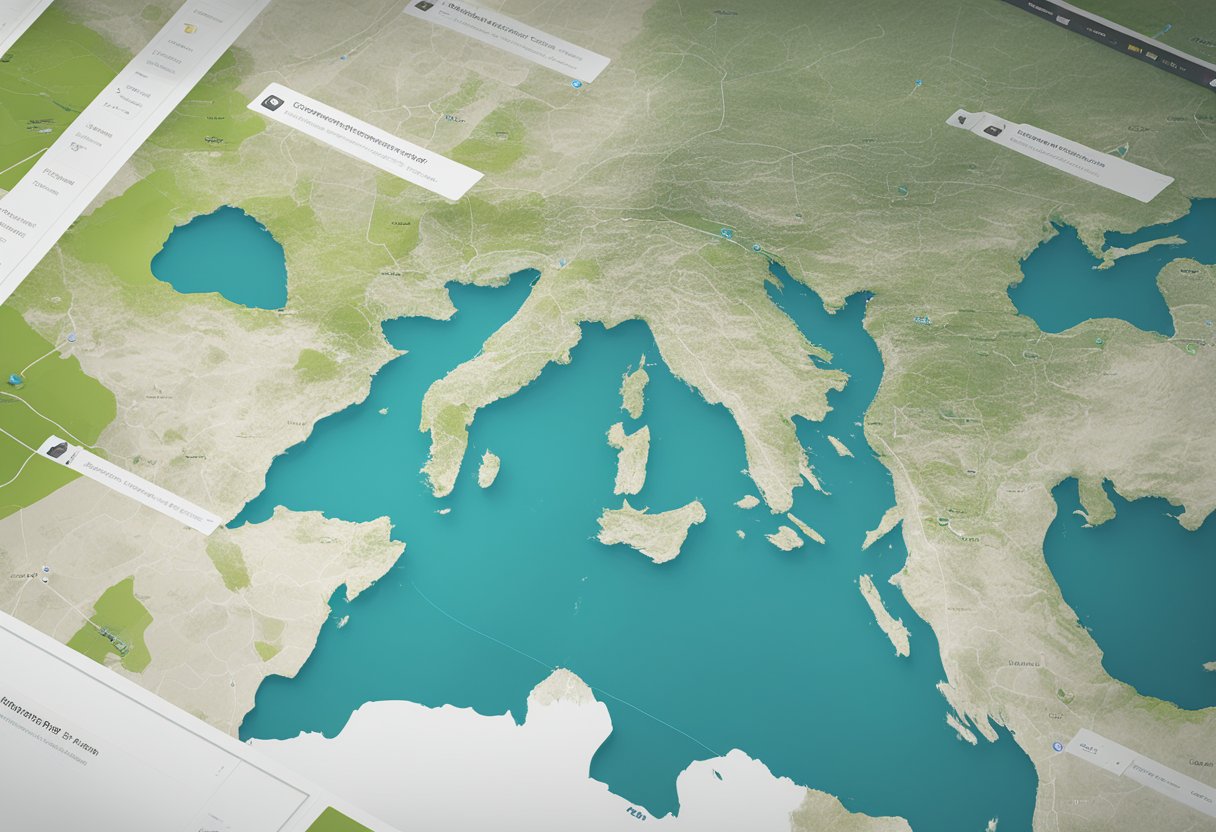
A sitemap is basically a blueprint of your Shopify store that helps search engines understand your website structure. Think of it as a map that guides Google and other search engines through your digital storefront.
Shopify automatically generates an XML sitemap for your store, which you can find at:
yourstorename.com/sitemap.xml
This file contains links to all your important pages, including:
- Products
- Collections
- Blog posts
- Static pages
XML sitemaps aren’t visible to your customers but play a huge role in how search engines crawl your site. They help Google discover new or updated content faster, which is especially important when you add new products or blog posts.
Crafting Your Site Structure
Your Shopify site structure affects both user experience and SEO. A well-organized store makes it easier for customers to find products and for search engines to understand your content hierarchy.
For the best results, follow these structure tips:
- Create logical product collections that group similar items together
- Limit navigation depth – aim for customers to reach any page within 3 clicks
- Use clear, descriptive URLs for all pages and products
Remember that your main navigation menu should showcase your most important categories. This helps establish a clear hierarchy that both shoppers and search engines can follow.
Breadcrumb navigation is also super helpful, showing users exactly where they are in your site structure and providing additional context to search engines.
Mapping Out Your SEO Strategy
Your sitemap forms the backbone of a solid Shopify SEO strategy. Once you’ve got your sitemap ready, here’s how to leverage it:
Submit your sitemap to Google Search Console. This tells Google exactly what pages you want indexed and helps them discover new content faster.
Make the most of each page by optimizing:
- Meta titles and descriptions with relevant keywords
- Headings (H1, H2, H3) that clearly describe content
- Image alt text for product photos to improve accessibility and SEO
- Structured data to help search engines understand your content type
We’ve found that regular sitemap maintenance leads to better organic traffic. Check for any 404 errors or excluded pages in Search Console, and fix them promptly to maintain a healthy site structure.
Maximizing Your Shopify SEO Juice
Getting your Shopify store noticed online requires more than just a sitemap. You need a full SEO strategy that covers keywords, links, and site performance to really climb those search rankings.
Keyword Wonders: Research and Relevance
Finding the right keywords is like striking gold for your Shopify store! Start by making a list of words your customers might use to find products like yours. Tools like Google Keyword Planner can help you discover gems with high search volume but lower competition.
Once you’ve got your keywords, sprinkle them naturally throughout your:
- Product titles and descriptions
- Meta descriptions
- Alt text for images
- URL structures
Don’t just stuff keywords everywhere! Google’s pretty smart these days and rewards quality content that actually helps shoppers. We recommend focusing on long-tail keywords (like “handmade leather wallet for men” instead of just “wallet”) for better conversion rates.
Remember to check your Shopify analytics regularly to see which keywords are actually bringing in traffic. This helps you refine your strategy over time.
Link It Up: Internal and Backlinking Strategies
Links are like votes of confidence for your store! Internal linking connects your pages together, helping both shoppers and search engines navigate your site smoothly.
Quick internal linking tips:
- Link from blog posts to relevant products
- Create category pages that link to related items
- Use descriptive anchor text (not just “click here”)
Backlinks from other websites are super powerful for SEO. Try these tactics:
- Create shareable content that people naturally want to link to
- Reach out to influencers or bloggers in your niche
- Get listed in relevant online directories
Don’t forget to check your links regularly using Shopify apps or Google Search Console. Broken links can hurt your SEO efforts and frustrate customers.
Up Your Speed: Page Loads and Mobile Friendliness
Nobody likes waiting for slow pages to load! Google definitely doesn’t. They prioritize fast, mobile-friendly sites in search results.
Here’s how to speed things up:
- Compress your product images before uploading
- Choose a fast, responsive Shopify theme
- Remove unused apps that might slow down your site
- Enable HTTPS for security (Shopify does this automatically)
Mobile optimization is non-negotiable today. More than half of all shopping happens on phones!
Test your site on different devices regularly.
Google’s PageSpeed Insights tool can give you specific recommendations for your store. Even small improvements can make a big difference in both rankings and conversion rates.


