My Blog
Shopify Personalized Product Pages: 5 Genius Ways to Boost Your Conversions in 2025
Creating personalized product pages on Shopify can transform your online store from just another shop to a memorable shopping experience. When customers feel like they’re getting something made just for them, they’re more likely to buy and come back for more.
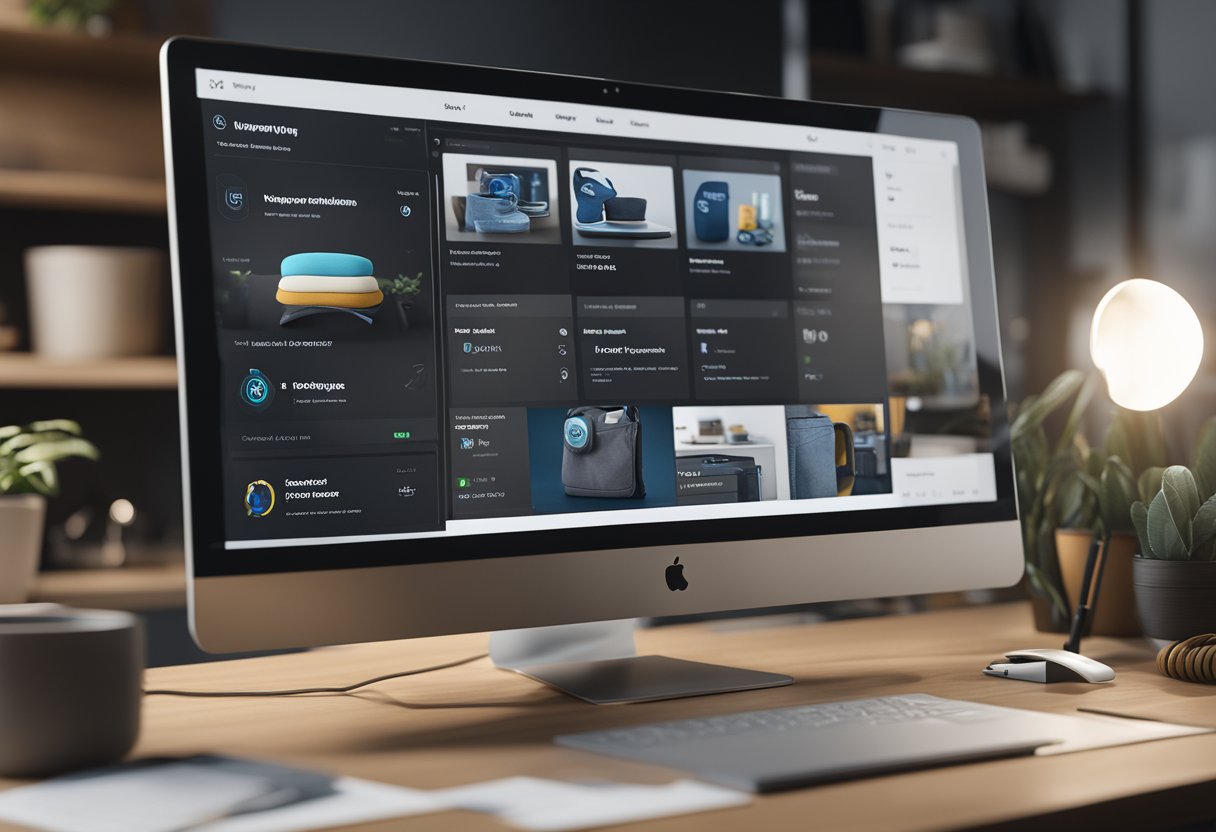
Creating personalized product pages on Shopify can transform your online store from just another shop to a memorable shopping experience. When customers feel like they’re getting something made just for them, they’re more likely to buy and come back for more.
With Shopify’s customization tools, you can create unique product pages that showcase your items in the best light while letting shoppers personalize their purchases with options like colors, sizes, or special features.
We’ve seen countless online stores struggle with boring, cookie-cutter product pages that fail to capture customers’ attention. The good news? You don’t need to be a coding expert to make your Shopify product pages stand out.
Whether you want to add custom options, create different templates for different product types, or simply make your pages more engaging, Shopify offers multiple ways to achieve this.
Let’s dive deeper into how you can create personalized product pages that not only look great but also boost your sales and customer satisfaction. We’ll show you exactly what tools and features to use, plus some real examples that have worked for successful stores just like yours!
Creating Your Unique Product Pages
Standing out in the crowded e-commerce space means creating product pages that truly reflect your brand identity. Custom product pages can dramatically improve customer experience and boost conversion rates when done right.
Choosing the Right Template
Getting started with custom product pages begins with selecting the right template. Shopify makes this pretty straightforward for shop owners like us.
To create a new product page template:
- Go to Online Store > Themes
- Click on “Actions” then “Edit code”
- Look for the Templates folder
- Create a new template by duplicating your existing product template
You can name your template something descriptive like “product.special.liquid” or “product.featured.liquid” depending on its purpose. This way, you can apply different designs to different products without affecting your entire store.
We’ve found that the best approach is to start with a simple template and add customizations gradually. This helps avoid overwhelming your customers with too many elements at once.
Leveraging Shopify Metafields for Customization
Metafields are like secret weapons for product customization! They let us add extra information to products without modifying the core template.
Here’s how to use metafields effectively:
- Install a metafields app from the Shopify App Store
- Create custom fields for things like “Material Details,” “Care Instructions,” or “Designer Notes”
- Add these fields to your product pages using Liquid code
For example, you might add something like:
{% if product.metafields.custom.material_details %}
  <div class="material-details">
    {{ product.metafields.custom.material_details }}
  </div>
{% endif %}
Metafields are super flexible and don’t require coding knowledge when using the right apps. They’re perfect for adding unique details to specific products!
Integrating Product Customizers
Product customizers take personalization to the next level by letting customers design their own versions of your products. This creates an interactive shopping experience!
Popular customization options include:
- Color selectors with visual swatches
- Text input fields for engravings or personalized messages
- Image uploaders for custom graphics
- Component selectors for build-your-own products
Many apps like “Product Customizer” or “Custom Product Builder” integrate seamlessly with Shopify. These tools handle the technical aspects of customization while providing you with simple controls.
Remember to keep your customization options focused. Too many choices can overwhelm customers and decrease conversion rates.
Crafting Engaging Product Descriptions
Your product description is where you can really shine! It’s not just about listing features—it’s about telling a story that connects with your customers.
Tips for killer product descriptions:
- Start strong with your most compelling benefit
- Use bullet points for key features
- Include dimensions and technical specs in a scannable format
- Address objections before they arise
For example, instead of saying “This is a blue shirt,” try “This ocean-blue shirt feels as amazing as it looks, with ultra-soft fabric that stays comfortable all day.”
We like to include real customer quotes when possible. Nothing sells a product like hearing from someone who already loves it! Keep your tone consistent with your brand voice, and don’t be afraid to show some personality.
Enhancing the Shopping Journey
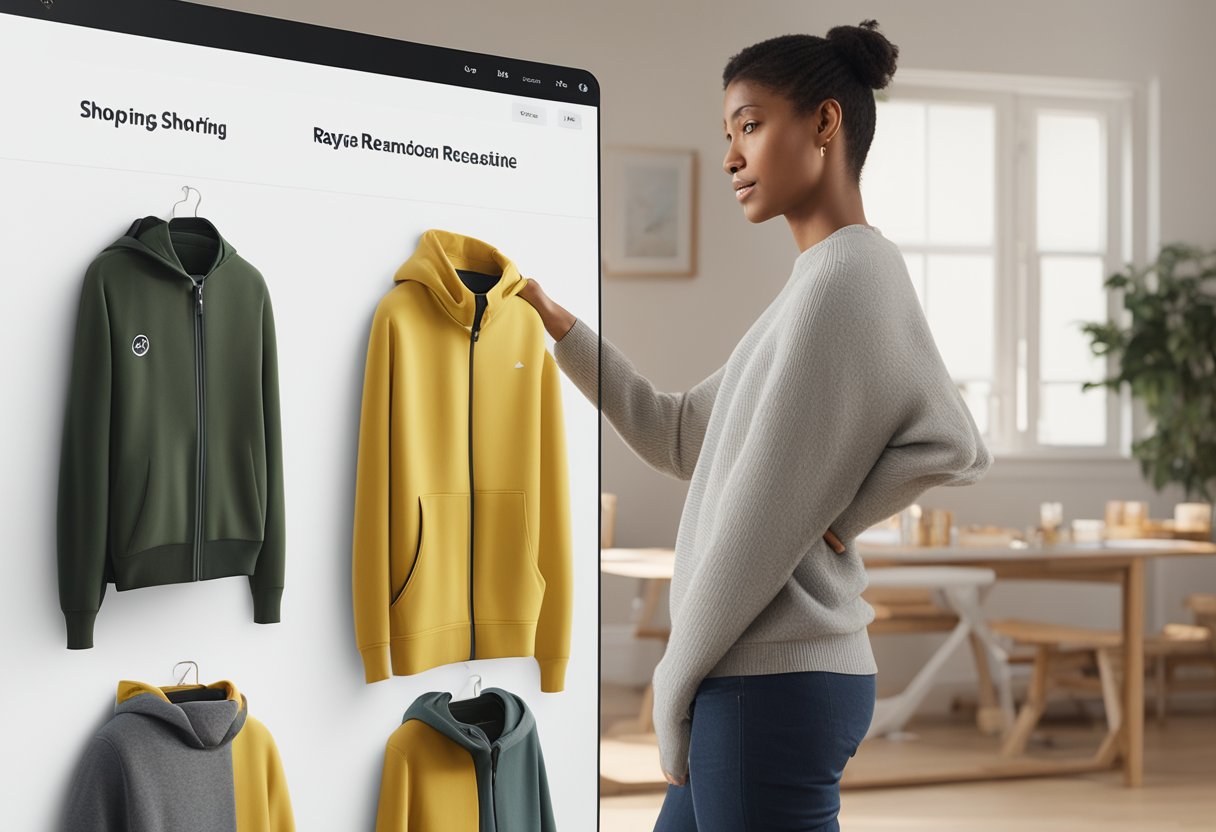
A personalized shopping journey can transform casual browsers into loyal customers. By tailoring the experience to each shopper’s preferences and behaviors, you can create a more engaging and profitable store.
Streamlining Navigation with Intuitive Layout
Let’s face it – nobody likes a confusing website! When shoppers can easily find what they’re looking for, they’re more likely to make a purchase. Here’s how to create navigation that feels natural:
- Use clear menu categories that match how your customers think about your products
- Add breadcrumb navigation so shoppers always know where they are
- Create collection pages that group similar items together
The layout of your store should adapt to different devices. Over 70% of Shopify traffic comes from mobile devices, so make sure your store looks great on phones!
We recommend testing your navigation with real users. Watch how they move through your store and ask for feedback. Even small tweaks like changing button colors or menu labels can make a big difference.
Making the Most of Conditional Logic
Conditional logic is like having a smart salesperson who knows exactly what to show each customer. It helps create truly personalized experiences.
With conditional logic, your store can:
- Show different product recommendations based on browsing history
- Display personalized offers to returning customers
- Hide or show certain product options based on previous selections
- Change text fields and background colors to match customer preferences
For example, if someone has been looking at winter boots, your homepage can highlight your newest boot styles next time they visit. Or if they’ve already purchased from you, you might show them complementary products.
This technology works behind the scenes, but the results are powerful. Shoppers feel like your store “gets them” without realizing why!
Personalizing Across All Pages
Personalization shouldn’t stop at your product pages! Every page in your store offers opportunities to create a tailored experience.
Home Page: Welcome returning customers by name and showcase items related to their interests. Use announcement bars to highlight relevant promotions.
Collection Pages: Arrange products based on previous browsing behavior. If a customer always sorts by price, save that preference for next time.
Cart Page: Suggest items that pair well with what’s already in their cart. Offer personalized shipping options based on location.
We’ve found that consistent personalization throughout the entire journey can increase conversion rates by up to 15%! Just be careful not to make it feel creepy – subtle personalization works best.
Boosting Engagement with Interactive Elements
Interactive elements turn passive browsing into active engagement. They’re fun for customers and valuable for your business!
Try these interactive features:
- Color swatches that change the product image when clicked
- Custom options that let shoppers build their perfect product
- Quizzes that help customers find the right products for their needs
- 360° product views that show every angle
These elements don’t just look cool – they also provide useful data about customer preferences. When someone spends time customizing a product, you learn exactly what they want.
Interactive elements also reduce return rates. Customers have a clearer idea of what they’re buying. Plus, they make shopping more fun!
Who doesn’t like playing with color swatches or seeing a product transform based on their choices?


