My Blog
Shopify Image Optimization: 5 Simple Tricks That Will Make Your Products Fly Off The Digital Shelves
Slow-loading images can kill your Shopify store’s chances of success before customers even see your products. When shoppers wait more than a few seconds for your page to load, they often leave and never return.

Slow-loading images can kill your Shopify store’s chances of success before customers even see your products. When shoppers wait more than a few seconds for your page to load, they often leave and never return.
Optimizing your images for Shopify can cut page load times by up to 70%. This keeps potential customers browsing longer and significantly boosting your conversion rates.
We’ve all been there – waiting for a beautiful but massive image to load while our patience wears thin. For your Shopify store, this waiting game can mean lost sales and frustrated customers. Image optimization isn’t just a technical nice-to-have; it’s essential for better SEO rankings, improved user experience, and ultimately, more sales.
Let’s dive deeper into why image optimization matters for your Shopify store and the simple steps you can take today to speed up your site without sacrificing those gorgeous product photos that make your customers click “Add to Cart.”
Optimizing Images for Stellar Performance
Image optimization is crucial for your Shopify store‘s success. Well-optimized images not only look great but also help your site load faster and convert better. Let’s explore how to make your images work harder for your shop.
Choosing the Right Format
Picking the right image format can make a huge difference in your shop’s performance. Here’s what you need to know:
- WebP: This modern format offers superior compression and quality. It’s now supported by all major browsers and should be your go-to choice.
- JPEG/JPG: Great for photographs and complex images with lots of colors. Use for product photos where detail matters.
- PNG: Best for images that need transparency or have text. Ideal for logos and graphics with few colors.
- GIF: Use sparingly, mainly for simple animations. These can get heavy quickly!
Remember that WebP images are typically 25-30% smaller than JPEGs at the same quality level. Many Shopify themes now automatically convert your uploads to the most optimal format.
Size Matters: Shopify Image Sizes and Compression
Getting your image dimensions and file sizes right is key to balancing quality and performance.
For Shopify stores, we recommend these sizing guidelines:
| Image Type | Recommended Size | Max File Size |
|---|---|---|
| Product Images | 2048 x 2048px | Under 500KB |
| Collection Images | 1600 x 900px | Under 400KB |
| Banner Images | 1800 x 1000px | Under 800KB |
| Thumbnails | 450 x 450px | Under 100KB |
Don’t just resize – compress! Tools like TinyIMG can reduce file sizes by up to 70% without noticeable quality loss.
Always include alt text with your images. This helps with SEO and makes your store more accessible to all shoppers.
Loading Up on Speed: Page Load and Shop Performance
Fast-loading images directly impact your conversion rates. Studies show that even a 1-second delay can reduce conversions by 7%!
Try these speed-boosting techniques:
- Lazy loading: Only load images as the user scrolls down the page
- Responsive images: Serve different sized images based on device screen size
- CDN delivery: Shopify automatically uses a Content Delivery Network, but make sure your theme leverages it properly
We’ve seen stores increase their page speed scores by 30+ points just by optimizing images. This translates to real money in your pocket!
Consider using apps like Lazy Loader or Fast Photos to automatically handle image optimization if you’re managing lots of products.
Enhancing SEO and User Engagement
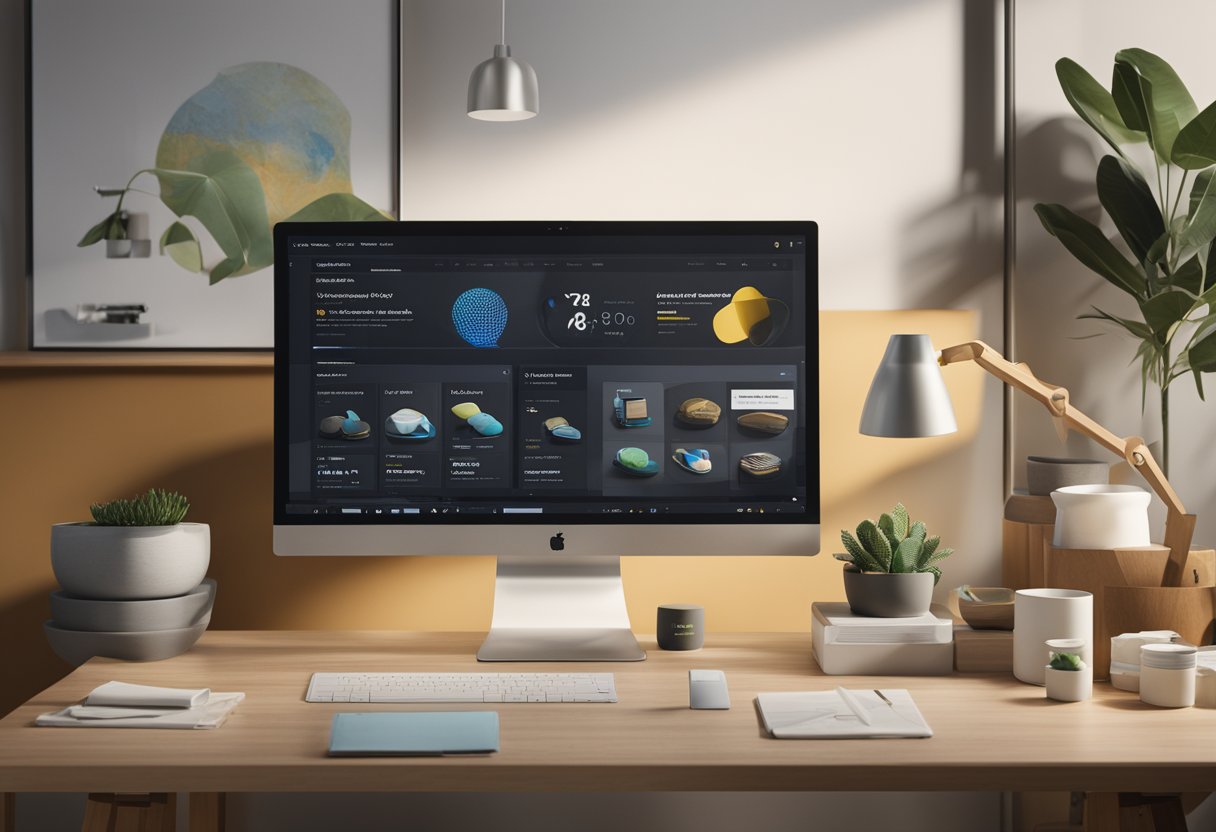
When it comes to image optimization, there’s more at stake than just pretty pictures. The way you handle images directly impacts how users interact with your Shopify store and how search engines rank your pages.
Streamlining User Experience
Let’s face it – nobody likes waiting for images to load. Slow-loading Shopify stores can drive customers away faster than you can say “abandoned cart.”
Research shows that 40% of users will leave a website if it takes more than 3 seconds to load. Yikes! That’s why optimizing your images is crucial for keeping shoppers engaged.
Try these quick fixes:
- Responsive images that adapt to different screen sizes
- Lazy loading to prioritize visible content first
- Proper image sizing to avoid unnecessary scaling
A smooth online shopping experience leads to longer browsing sessions and higher conversion rates. We’ve seen stores increase their sales by up to 20% just by improving image load times!
SEO Tricks of the Trade
Google loves fast websites, and your image strategy plays a huge role in your SEO success. Search engines can’t “see” images, but they can read the context you provide.
Always add descriptive alt text to your product images. This helps both visually impaired shoppers and search engines understand what they’re looking at.
For example, instead of “img001.jpg,” use “blue-cotton-t-shirt-front-view.jpg” as your file name. Much more helpful, right?
Don’t forget these SEO boosters:
- Create a proper image sitemap
- Add schema markup for product images
- Optimize your image titles and descriptions
- Use Google Search Console to monitor image performance
The Tech Behind the Scenes
The technical stuff might sound boring, but it’s where the magic happens!
A content delivery network (CDN) is your secret weapon for faster image delivery worldwide. Shopify automatically includes a CDN with your store, but you can take things further.
Check your PageSpeed Insights score to identify specific image issues.
Consider these tech solutions:
- WebP format instead of JPG or PNG (26% smaller files!)
- Image compression tools like TinyPNG or ShortPixel
- Content caching to reduce HTTP requests
- Custom image dimensions for collection pages
We recommend reviewing your Google Analytics data to see which pages have high bounce rates. High bounce rates are often a sign of slow-loading images.
Then use Google Tag Manager to track improvements after implementing these changes.
The Shopify admin has built-in tools to help, so don’t be afraid to dig into those settings!


