My Blog
Shopify Checkout Layout: 10 Game-Changing Tips to Boost Your Conversion Rates Today
Your Shopify checkout layout is the final step between browsing and buying. It’s where shoppers become customers—or abandon their carts and leave your store.
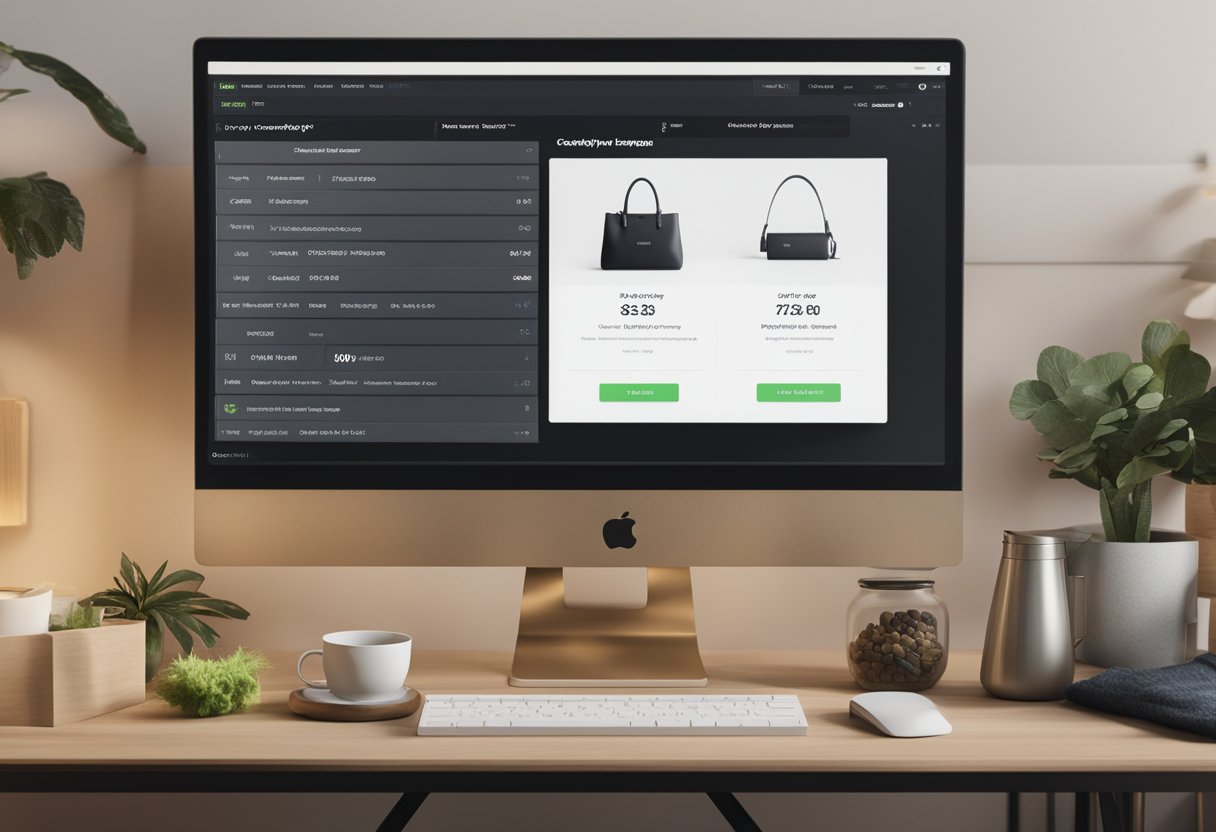
Your Shopify checkout layout is the final step between browsing and buying. It’s where shoppers become customers—or abandon their carts and leave your store.
A well-designed checkout page can boost your conversion rates by up to 35% by reducing friction and creating a smooth path to purchase. Many store owners overlook this critical part of the customer journey, focusing instead on product pages and forgetting that even the perfect product can’t sell itself through a confusing checkout process.
We know that designing an effective checkout experience can feel overwhelming. Shopify offers several options, from the streamlined one-page checkout that keeps everything in view to customizable multi-page flows.
You can match your checkout to your brand by changing fonts and colors, adding images, and creating a consistent feel throughout the buying journey.
Let’s dive deeper into the elements that make a winning Shopify checkout layout, how to customize your setup for better results, and the simple tweaks that can dramatically improve your store’s conversion rate…
Making Your Shopify Checkout Shine
Your checkout page is where sales happen! Let’s explore how to make it not just functional but also aligned with your brand and super easy for customers to use.
Choosing the Right Theme
When it comes to checkout layouts, not all Shopify themes are created equal. We’ve found that picking the right theme from the start saves tons of headaches later.
Some themes offer more checkout customization options than others. Look for themes that specifically mention checkout features in their descriptions.
Popular options include:
- Dawn (Shopify’s default theme)
- Prestige
- Impulse
- Expanse
With Shopify Plus, you get access to checkout.liquid, which opens up way more customization possibilities. If you’re not on Plus, you can still make significant improvements through the theme editor.
Remember that a mobile-friendly checkout is non-negotiable these days. Always test your checkout on multiple devices before finalizing.
Customizing with HTML and CSS
Even without Shopify Plus, we can still make our checkout pages look amazing with some simple customizations.
Here’s what you can change:
- Logo placement and size
- Background colors or images
- Button styles and colors
- Font styles and sizes
To access these options:
- Go to your Shopify admin
- Click on “Online Store” → “Themes”
- Click “Customize” on your active theme
- Find the “Checkout” section
For those comfortable with code, custom CSS can take your checkout to the next level. You can add this through the checkout editor in the “Custom CSS” section.
Try these simple CSS tweaks:
/* Make buttons stand out */
.step__footer__continue-btn {
  background-color: #ff6b6b !important;
}
The User-Friendly Factor
A pretty checkout means nothing if people abandon their carts! We need to focus on making the experience smooth and easy.
First, minimize the number of form fields. Every extra field increases abandonment rates. Only ask for what you absolutely need.
Add trust signals near your “Complete Order” button. This could be security badges, guarantee statements, or customer reviews.
Progress indicators help shoppers understand where they are in the process. This small addition significantly reduces checkout abandonment.
Quick UX improvements:
- Save customer information for faster checkout next time
- Offer multiple payment options (Apple Pay, Shop Pay, PayPal)
- Make error messages clear and helpful
- Allow guest checkout options
Remember that the fastest checkout is often the most successful one. We’ve seen conversion rates increase by up to 30% just by removing unnecessary steps!
Advanced Checkout Features for Shopify Plus
Shopify Plus takes checkout customization to a whole new level. With exclusive features and deeper customization options, Plus merchants can create checkout experiences that truly reflect their brand while boosting conversion rates.
Enhancing Checkout Flow
Shopify Plus lets you completely transform your checkout layout to match your brand’s unique style. You can add custom fields to gather important customer info that standard checkouts don’t capture.
Want multiple checkout pages instead of a single long form? No problem! Shopify Plus supports multi-page checkout flows that can make the process feel less overwhelming for customers.
You can modify every visual element with the Checkout Branding API:
- Change fonts across all text elements
- Add background images or colors
- Customize button shapes and colors
- Modify the order summary layout and content
The best part? These changes apply across all devices, ensuring a consistent brand experience whether your customers shop on mobile or desktop.
Support and Performance Insights
We know how important it is to understand how your checkout performs. Shopify Plus gives you access to advanced analytics specifically for your checkout process.
You’ll get detailed data on:
- Where customers drop off in the checkout flow
- Average time spent on checkout
- Device-specific completion rates
- Payment method popularity
Plus merchants also receive priority support from Shopify’s specialized team. Having checkout issues? You’ll get help fast from experts who understand ecommerce inside and out.
These insights help you make data-driven decisions about your checkout design and spot potential problems before they impact your bottom line.
Minimizing Cart Abandonment
Cart abandonment hurts your business. Shopify Plus offers powerful tools to keep customers moving through checkout.
One cool feature is dynamic checkout buttons. They let customers skip straight to payment from product pages. This shortens the path to purchase dramatically!
You can also implement saved payment methods for returning customers. Shop Pay is available for super-fast checkout. Additionally, you can set up abandoned cart recovery emails with customized messages. Exit-intent popups with special offers are also a great option.
The ability to A/B test different checkout layouts helps you find what works best for your specific customers. Try different button colors, form layouts, or messaging to see what drives more conversions.
These abandonment-fighting features typically boost conversion rates by 15-30% for Plus merchants.


