My Blog
Shopify Checkout Analytics: 5 Mind-Blowing Insights That Will Transform Your Conversion Rates Today
Tracking your Shopify checkout process is like having a map that shows where customers drop off before buying. Without proper analytics, you might be losing sales without knowing why.
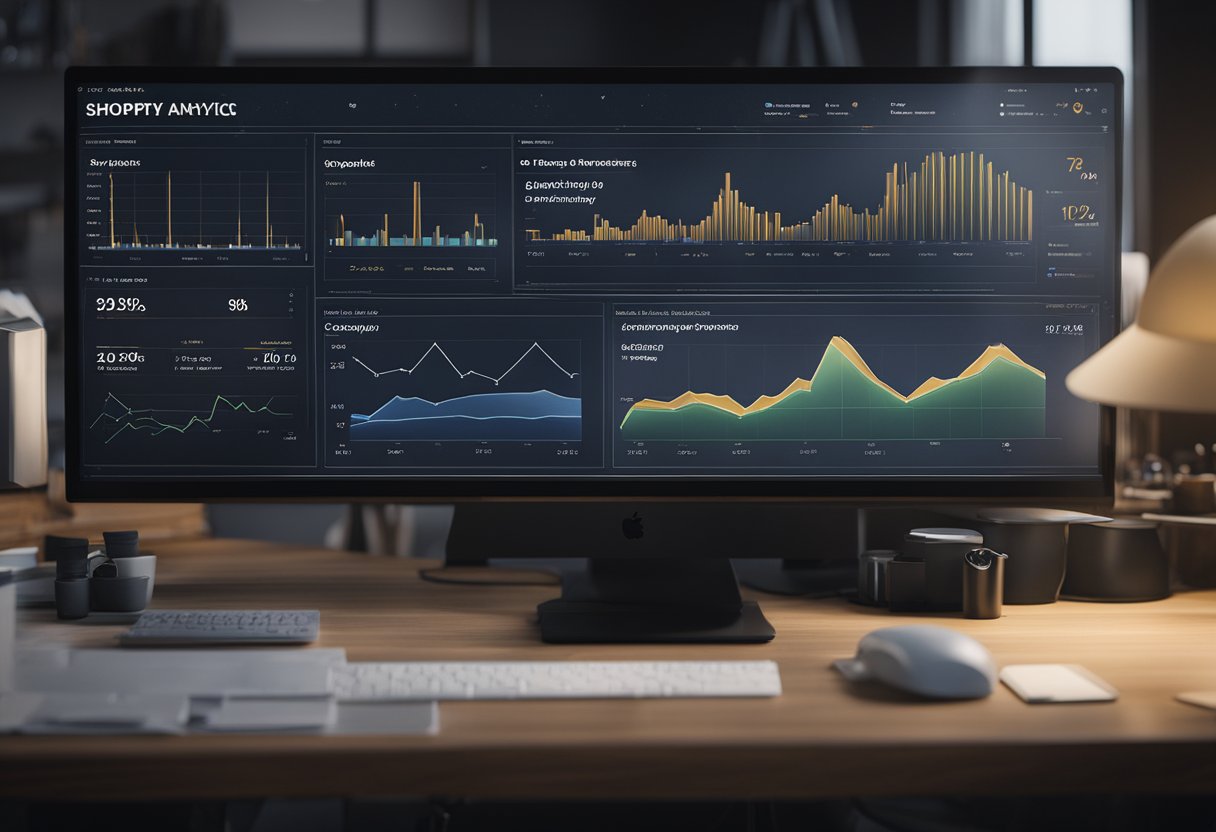
Tracking your Shopify checkout process is like having a map that shows where customers drop off before buying. Without proper analytics, you might be losing sales without knowing why.
Shopify’s Analytics dashboards help you understand how shoppers move through your checkout funnel. They reveal valuable insights about where they get stuck or abandon their carts.
We’ve seen countless online store owners struggle with converting browsers into buyers. The good news? The right checkout analytics can boost your e-commerce success dramatically.
By monitoring key events during checkout, you can spot problems, test solutions, and watch your conversion rates climb.
Let’s dive deeper into how you can set up and use Shopify checkout analytics to transform your online store’s performance. We’ll show you exactly which metrics matter most and how to use them to make smart decisions that grow your business.
Unpacking Shopify Checkout Analytics
Shopify’s checkout analytics help store owners understand how customers move through the buying process. These tools reveal what works well and where people might get stuck before completing a purchase.
Understanding Shopify Analytics and Reporting
Shopify Analytics gives you a birds-eye view of your store’s performance without needing fancy tech skills. We love how it shows clear dashboards with your key metrics in one place.
You’ll find important numbers like:
- Average Order Value – how much people typically spend
- Conversion Rates – the percentage of visitors who actually buy
- Sales Performance – how your revenue is trending over time
These metrics tell you if your store is growing or needs some love. The beauty is in the simplicity – even beginners can understand what’s happening.
Shopify also shows your traffic sources, so you’ll know if your Instagram ads are working better than your Facebook campaigns. This helps you put your marketing dollars where they’ll do the most good!
Delving into Checkout Data
The checkout funnel is where the money magic happens! With Shopify’s checkout analytics, we can see exactly where customers drop off before completing purchases.
Key checkout metrics to watch include:
- Checkout start rate – how many visitors begin checkout
- Cart abandonment rate – how many people leave items behind
- Payment gateway performance – which payment methods work best
This data helps spot friction points that might be costing you sales. Maybe customers bail when they see shipping costs? Or perhaps your checkout page loads too slowly on mobile?
Shopify lets you track each product’s performance too. You can see which items get abandoned most often by Product ID, Name, or Type. This insight is gold for fixing issues with specific products that might be hurting your overall conversion rate.
Extending Analytics with Tags and Scripts
Sometimes Shopify’s built-in analytics aren’t enough. That’s when you can supercharge your data collection with custom solutions.
Google Analytics 4 integration is a game-changer for Shopify stores. It tracks important checkout events automatically when set up correctly. We’ve found the Data Layer particularly useful for passing rich information between Shopify and GA4.
With Checkout Extensibility, you can:
- Add custom tracking scripts
- Create unique event triggers
- Connect with third-party analytics tools
Just be careful with custom scripts! Too many can slow down your checkout pages. Always test your tracking setup in a development environment before going live.
For the tech-savvy store owners, debugging tools help ensure your tracking is working correctly. Chrome’s developer console is your best friend for spotting tracking errors before they mess up your analytics data.
Leveraging Data for Business Growth

Analytics can turn numbers into real business success. When you use Shopify checkout data well, you can understand your customers better, boost your marketing, and make your operations smoother.
Enhancing Customer Insight
Understanding your customers is like having a superpower for your business. Shopify’s Customer Reports help you see who your shoppers really are and what they like.
Want to know who keeps coming back? Check your Returning Customer Rate – it tells you if people love your store enough to shop again. We’ve seen businesses increase this rate by 15% just by acting on this data!
You can dig deeper with Behavior Reports to see how visitors move through your store. Notice a lot of people abandoning carts at shipping? Maybe it’s time to offer free shipping over a certain amount!
Quick tip: Use Query Tables to combine different data points. For example, match purchase history with time spent on site to identify your most valuable browsers.
Applying Analytics to Marketing and Sales
Got data? Now let’s put it to work! Your Acquisition Reports show exactly where your customers come from – whether it’s Instagram, Google, or somewhere else.
Here’s a simple but effective strategy:
- Find your highest-converting traffic source
- Double down on your spending there
- Test new messaging with A/B Testing
- Track results in Sales Reports
We love using GA4 integration to follow customer journeys from first click to checkout. This helps you see which marketing campaigns actually drive Total Sales, not just website visits.
Remember that bounce rate matters too! If people leave your site quickly, your marketing might be attracting the wrong crowd or your landing pages need work.
Optimizing Operations with Analytics Tools
Your store data holds the keys to running a smoother business.
Inventory Reports help prevent the dreaded “out of stock” message that sends customers running to competitors.
Use Order Transactions data to spot trends in purchase timing. We’ve helped stores increase sales by 22% just by scheduling restocks and promotions around these patterns!
For shipping headaches, check out Shipment Handling reports. They’ll show you delivery bottlenecks so you can fix them before customers complain.
Pro tools we recommend:
- Shopify’s built-in Reports and Dashboards for daily decisions
- Data Tables with Custom Formulas for deeper analysis
- Zoho Analytics for creating custom reports when you outgrow the basics
The best part? These tools get smarter as your business grows, giving you more actionable insights without needing a data science degree!


