My Blog
Shopify A/B Testing: 5 Quick Wins to Boost Your Conversion Rates Today
Ever wonder why some online stores make more sales than others? The secret often lies in A/B testing, a powerful optimization tool for Shopify store owners.

Ever wonder why some online stores make more sales than others? The secret often lies in A/B testing, a powerful optimization tool for Shopify store owners.
A/B testing allows you to compare different versions of your website elements. For example, you can compare product pricing, page layouts, or shipping options to see which performs better with your customers.
Boosting your conversion rates doesn’t happen by accident. By testing different approaches, you can make data-driven decisions instead of guessing what works.
Tools like Intelligems and ABConvert make it easy to run these experiments on your Shopify store without needing technical skills.
Want to stop leaving money on the table? A good A/B testing strategy helps you understand exactly what your customers respond to, whether it’s free shipping, different product images, or lower prices.
Let’s dive deeper into how you can set up effective A/B tests to grow your ecommerce business…
Setting Up Your First A/B Test
Creating your first A/B test doesn’t have to be complicated. With the right approach, you can start gathering valuable insights about what works best for your Shopify store in just a few simple steps.
Choosing What to Test
Start small with elements that directly impact conversions. Popular first test options include:
- Headlines and product descriptions – Different wording can dramatically change how customers perceive your products
- Call-to-action buttons – Test colors, placement, and text like “Buy Now” vs “Add to Cart”
- Product images – Try lifestyle photos against plain backgrounds
- Pricing display – Test showing discounts differently or highlighting free shipping
Focus on one element at a time to clearly understand what’s driving results.
We’ve found that testing your most visited pages first (like your homepage or bestseller product pages) will give you meaningful data faster.
Don’t overthink your first test! Pick something you’re genuinely curious about that aligns with your business goals.
Understanding Shopify’s A/B Testing Tools
Shopify offers several ways to run experiments on your store:
Native options:
- Shopify A/B Testing app in the app store
- Shopify Checkout Extensibility for testing checkout experiences
- Shopify Markets for testing regional content variations
Popular third-party tools:
- Google Optimize – Great for free basic testing
- Instant – Quick setup with no complex tracking required
- Optimizely – More robust features for advanced users
Most tools follow a similar setup process: install the app, add a snippet of code to your theme, and create test variations through a visual editor.
If you’re new to testing, we recommend starting with simpler tools like Instant.
Your choice depends on what you’re testing and your technical comfort level.
Running the Test: Best Practices
For meaningful results, follow these testing guidelines:
Timing matters: Run tests for at least 1-2 weeks to account for different shopping patterns and gather enough data. Avoid major holidays or sales periods that might skew results.
Sample size counts: You need enough visitors to reach statistical significance. For most stores, aim for at least 100-200 conversions per variation.
Track the right metrics: Focus on:
- Conversion rate (primary)
- Average order value
- Add-to-cart rate
- Time on page
Keep your variations consistent except for the one element you’re testing.
Also, don’t make changes mid-test! Let it run its complete course for reliable insights.
Interpreting Test Results and Next Steps
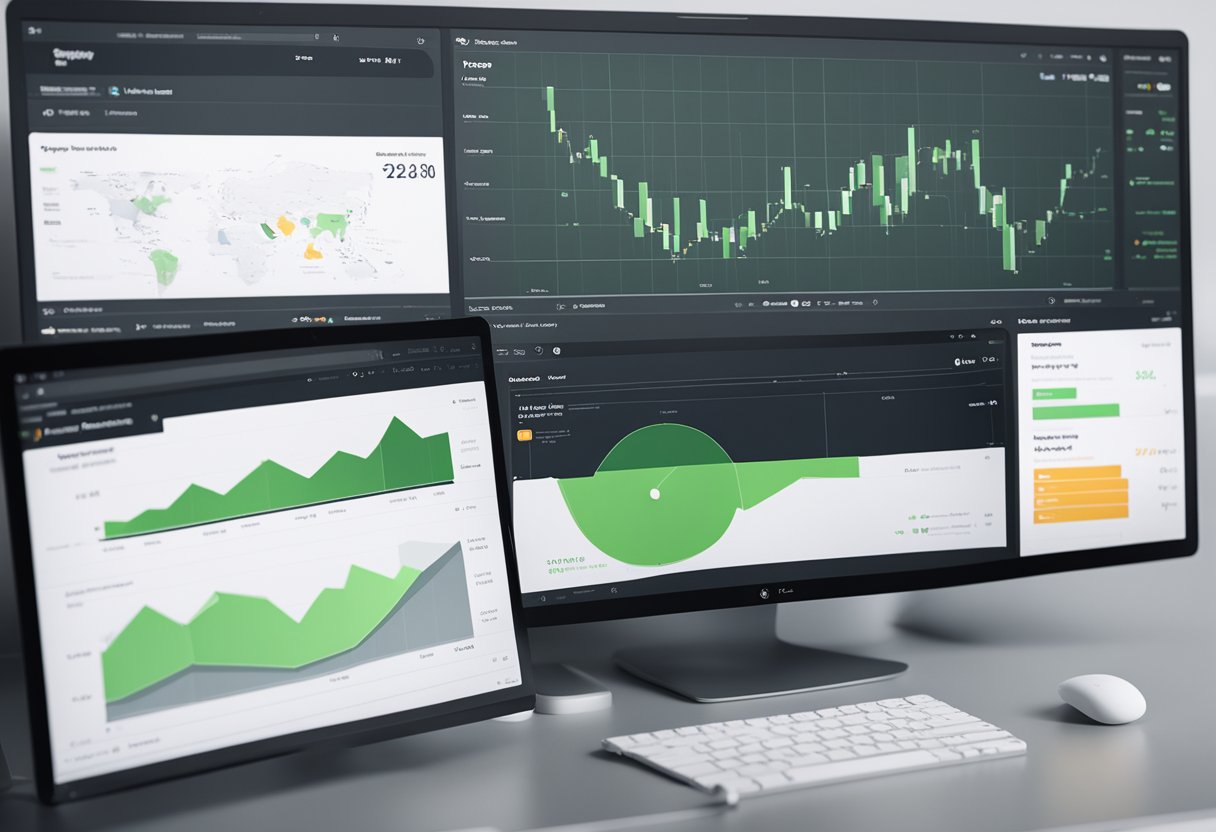
After running your Shopify A/B tests, making sense of the data is where the real magic happens. Getting meaningful insights from your results will guide your store improvements and boost your conversion rates.
Analyzing A/B Testing Data
When looking at your test results, focus on statistical significance first. This tells you if your results happened by chance or because of your changes. Most A/B testing tools will show this for you.
Look beyond just conversion rates. Dig into:
- Revenue per visitor – Sometimes fewer conversions but higher order values is better!
- Engagement metrics – Time on page, scroll depth, and click patterns
- Segment performance – How different customer groups responded to changes
Don’t rush to conclusions with limited data. We recommend collecting data from at least 100 conversions per variation before making decisions.
Quick Check: Is your result statistically significant?
- 95%+ confidence level: Strong result ✓
- 80-94% confidence level: Promising but needs more data
- Below 80%: Inconclusive - continue testing
Google Analytics integration with your Shopify store provides deeper insights into customer behavior patterns across test variations.
Making Data-Driven Decisions
Once you have solid data, it’s time to make changes. The winning variation isn’t always obvious, so consider both quantitative and qualitative feedback.
Ask yourself these questions:
- Did the test solve the problem we identified?
- Which customer segments responded best to which variation?
- What unexpected behaviors did we observe?
We’ve found that combining A/B test results with customer feedback through post-purchase surveys creates a more complete picture.
This helps you understand not just what happened, but why.
Remember that small wins add up! Even a 1% improvement in conversion rate can mean thousands in additional revenue over time.
Document all your learnings, even from “failed” tests – they reveal valuable insights about your customers.
Iterative Testing for Continuous Improvement
A/B testing isn’t a one-and-done process. It’s most powerful when part of an ongoing optimization strategy.
Start with your winning variation as your new baseline. Then ask: “What can we improve next?”
Each test should build on previous insights.
Some approaches we love:
- Test chains: Take winning elements and test new variations of them
- Personalization: Apply different experiences based on customer segments
- Smart cart optimizations: Test abandoned cart recovery tactics
Keep a testing calendar to maintain momentum. Many stores lose steam after a few tests, missing out on major opportunities.
Don’t just test random elements. Follow a strategic roadmap based on customer experience pain points and high-impact areas of your store.


