My Blog
Shopify Visual Design: 5 Game-Changing Trends You Need to Try in Spring 2025
Visual design is more than just making your Shopify store look pretty. It’s about creating a cohesive experience that communicates your brand message and guides customers through their shopping journey. A strong visual design strategy for your Shopify store combines colors, fonts…
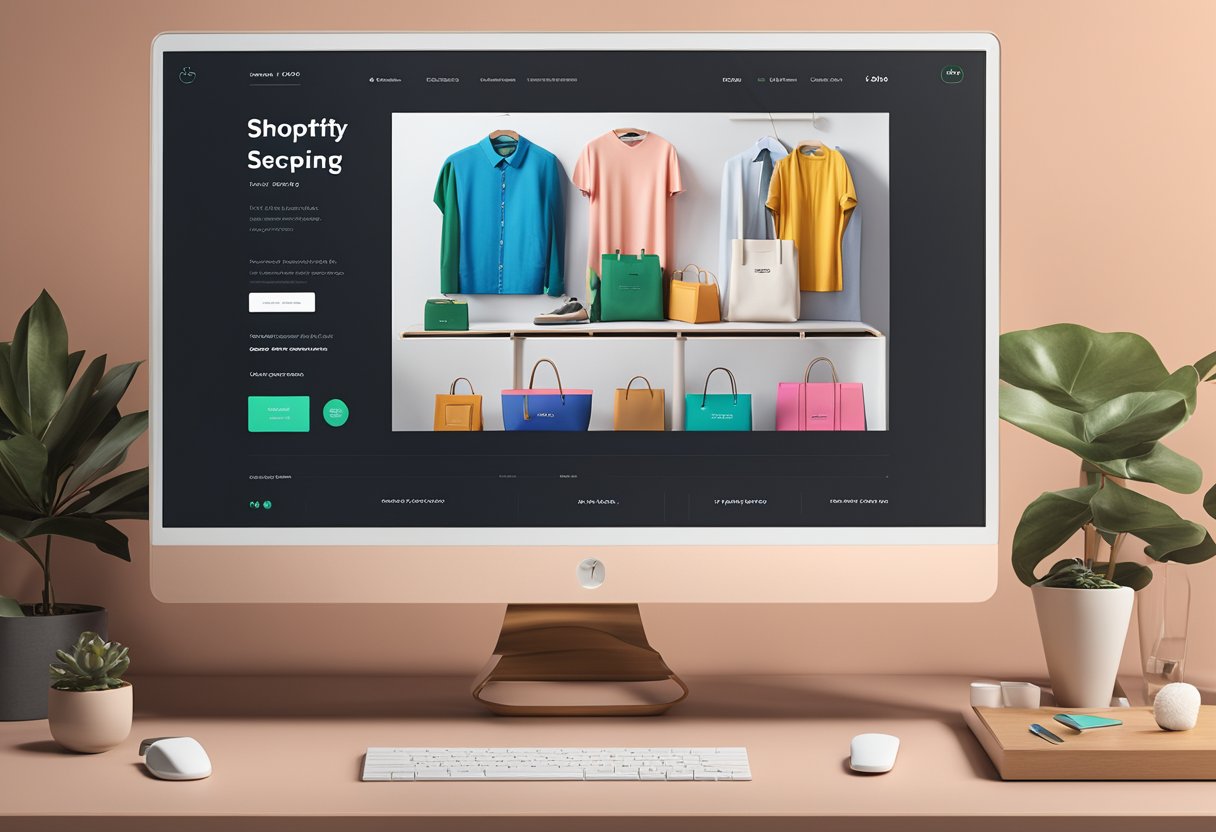
Visual design is more than just making your Shopify store look pretty. It’s about creating a cohesive experience that communicates your brand message and guides customers through their shopping journey. A strong visual design strategy for your Shopify store combines colors, fonts, images, and other elements to create an aesthetic that not only looks good but also supports your business goals and improves user experience.
When setting up your online store, visual design elements like your logo, color scheme, and product photography work together to form your brand identity. These elements tell customers who you are before they even read a word.
A well-designed Shopify store can make the difference between a visitor who bounces and one who becomes a loyal customer.
Let’s dive deeper into the key components of effective Shopify visual design and how you can implement them to create an online store that stands out from the competition, engages your target audience, and ultimately drives more sales.
Creating a Memorable Shopify Visual Design
Your Shopify store’s visual design is the digital storefront that welcomes customers and shapes their first impression. A well-crafted design not only catches the eye but also builds trust and guides visitors toward making a purchase.
Choosing the Perfect Shopify Theme
Finding the right theme is like selecting the foundation for your digital store. Shopify offers numerous themes with varying styles, layouts, and functionalities.
When browsing themes, consider these key factors:
- Industry relevance: Choose a theme that aligns with your products and industry
- Customization options: Look for themes that offer flexibility to match your brand
- Loading speed: Faster themes improve user experience and SEO
- Mobile compatibility: Ensure your theme looks great on all devices
Don’t just pick the prettiest option! The best theme balances visual appeal with functionality.
We recommend starting with Shopify’s free themes if you’re on a budget, or investing in a premium theme ($140-$350) for more advanced features.
Crafting Your Unique Brand Identity
Your brand identity is what sets you apart from competitors. It includes your logo, color scheme, typography, and overall visual style.
Start by defining your brand personality:
- Are you playful or professional?
- Luxury or budget-friendly?
- Traditional or innovative?
Your color palette should reflect this personality. Choose 2-3 primary colors and 2-3 secondary colors that work well together. Stick to consistent fonts too – typically one for headings and one for body text.
Create a simple brand style guide to maintain consistency across your store. This helps build recognition and trust with customers.
Remember that your brand identity should resonate with your target audience’s preferences and expectations.
Prioritizing Responsive and Functional Web Design
A beautiful store means nothing if customers can’t use it! Responsive design ensures your store looks and works great on all devices – from desktop computers to smartphones.
Test your store on different screen sizes regularly. Pay special attention to:
- Navigation elements: Can shoppers easily find categories and products?
- Product images: Do they resize appropriately without losing quality?
- Checkout process: Is it smooth and intuitive on mobile devices?
Functionality should always trump flashiness. Avoid complex animations or features that might slow your site down.
Keep your site structure logical and intuitive – users should find what they’re looking for within 3 clicks.
We always recommend using Shopify’s built-in mobile preview tool during design, but nothing beats testing on actual devices.
Utilizing High-Quality Visuals for a Stunning First Impression
Great visuals create emotional connections with your audience. Product photos, banner images, and graphics should tell your brand story and showcase products accurately.
Invest in professional photography when possible. If you’re on a budget, use a smartphone with good lighting and simple backgrounds.
Edit all images for consistency in:
- Brightness and contrast
- Color temperature
- Background style
- Dimensions and cropping
Product photos should show items from multiple angles and in context. Include zoom functionality for detail-oriented shoppers.
Don’t forget about image optimization! Large file sizes slow down your site.
Compress images and use appropriate file formats (JPG for photos, PNG for graphics with transparency). Your customers will appreciate the faster loading times and smoother browsing experience.
Optimizing Visuals for Conversions
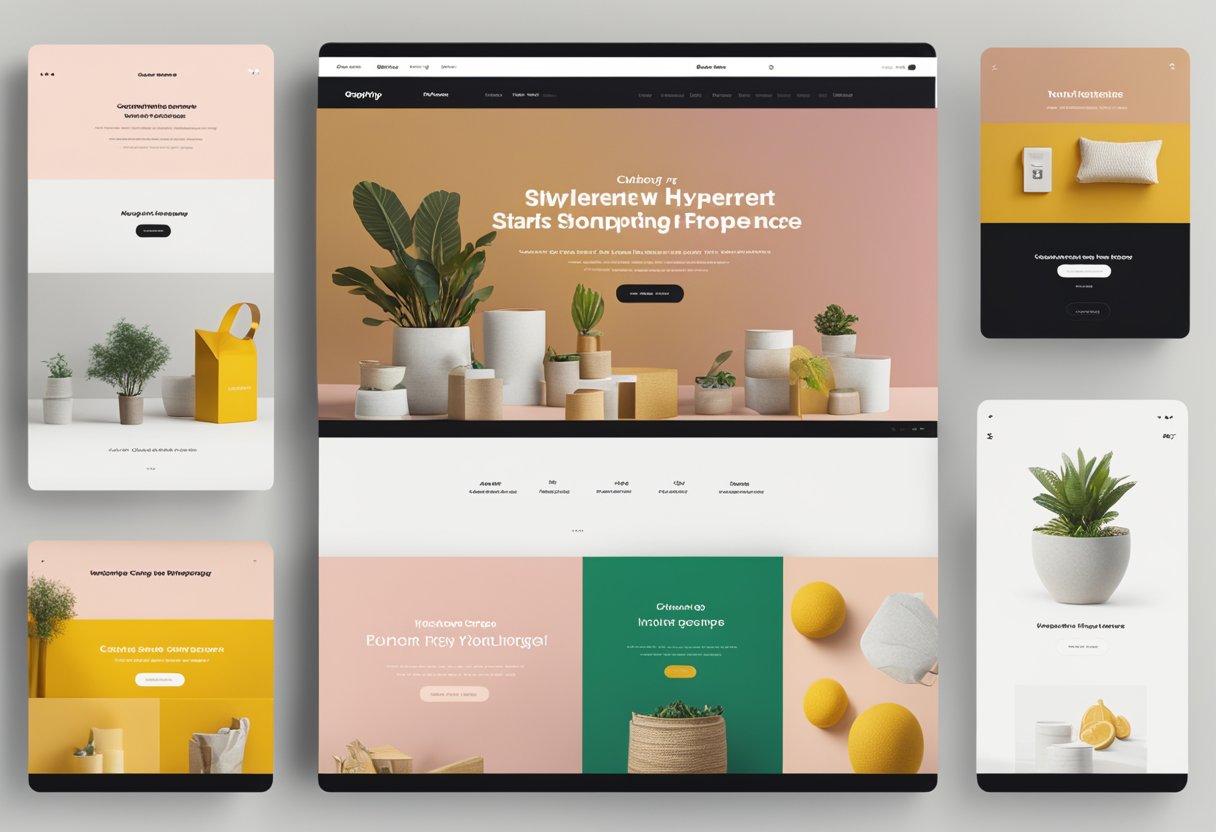
Visual elements are the backbone of any successful Shopify store. When properly optimized, they can dramatically boost your conversion rates and keep shoppers engaged with your products.
Effective Use of Calls to Action and Navigation
Let’s talk about those buttons and menus that guide your customers! A well-placed call to action (CTA) can make all the difference between a browser and a buyer.
What makes CTAs effective:
- High contrast colors that stand out from your page
- Action-oriented text (“Get Yours Now” instead of “Submit”)
- Strategic placement (above the fold for primary CTAs)
- Appropriate size (big enough to notice, not so big it’s overwhelming)
Clear navigation is equally crucial. We’ve found that stores with intuitive menus have 30% higher conversion rates than those with confusing layouts.
Try organizing your navigation by customer intent rather than just product categories. For example, “Gifts Under $25” or “New Arrivals” can direct shoppers more effectively than generic labels.
The Art of Showcasing Products: Photos and Categories
Great product photography is worth every penny. High-quality images that show your products from multiple angles help customers feel confident in their purchases.
Photo best practices:
- Use consistent lighting and backgrounds
- Show scale when relevant (model wearing clothing, object next to common item)
- Include zoom functionality for detail examination
- Add lifestyle images showing the product in use
How you categorize products matters too! Create logical groupings that match how your customers think.
Featured products sections should highlight your best-selling or highest-margin items.
Test different arrangements periodically. We noticed a 15% jump in conversion when one of our clients moved seasonal items to the top of their homepage.
Speed and Performance: The Need for Quick Loading Visuals
Slow loading images are conversion killers! Studies show that 40% of visitors abandon sites that take more than 3 seconds to load.
Image optimization techniques:
- Compress all images before uploading
- Use the right format (JPEG for photos, PNG for graphics with transparency)
- Implement lazy loading so images load as customers scroll
- Consider next-gen formats like WebP for better compression
The payoff for optimization is huge. When we helped a client reduce their page load time from 6 seconds to 2, their conversion rate jumped by 23%.
Remember that mobile optimization is particularly important, as more than half of Shopify traffic now comes from smartphones.
Engaging Customers with Reviews and Interactive Features
Social proof is powerful! Customer reviews with photos create authentic connections and build trust with potential buyers.
Try these engagement boosters:
- Photo/video review sections near product descriptions
- Interactive elements like 360° product views
- “Recently purchased” notifications
- User-generated content galleries
These features don’t just look good—they work! One Shopify expert we consulted reported a 27% increase in conversions after adding an interactive size guide to a clothing store.
For maximum impact, make reviews easy to filter and search.
Customers love being able to find feedback from people similar to themselves or with specific concerns.


