My Blog
Shopify Theme Checkout Process: 5 Game-Changing Tips to Boost Your Conversion Rate Today
Setting up your Shopify checkout process can feel tricky, but it’s a key part of your online store. When customers add items to their cart, the checkout is where they enter shipping info and pay for their purchase. A well-designed checkout can boost your sales by making it easy f…

Setting up your Shopify checkout process can feel tricky, but it’s a key part of your online store. When customers add items to their cart, the checkout is where they enter shipping info and pay for their purchase. A well-designed checkout can boost your sales by making it easy for customers to complete their orders without getting confused or frustrated.
We know that personalizing your checkout matters for your brand. Shopify lets you add your logo, change colors and fonts, and even add background images to match your store’s style. This helps build trust with shoppers and creates a seamless shopping experience from browsing to buying.
Let’s dive deeper into how you can customize your Shopify checkout process, explore options like one-page checkout, and make smart choices that will help turn browsers into buyers…
The Nuts and Bolts of Shopify’s Checkout Process
Let’s dive into what makes Shopify’s checkout tick. The checkout process is where shopping carts transform into actual sales, making it one of the most important parts of your online store.
Stepping Through Shopify’s Checkout Pages
When customers finish shopping and click that “Checkout” button, they begin a journey through several key pages.
First up is the cart review page, where they can see their items and make any last-minute changes.
Next comes the information page. Here, shoppers enter their shipping details, which Shopify uses to calculate delivery costs. The platform offers handy features like address autocomplete to make this step faster.
Then it’s on to the shipping method page. Your customers can choose from the shipping options you’ve set up in your store settings.
Finally, they reach the payment page. Shopify supports various payment methods:
- Credit cards
- Shop Pay
- PayPal
- Apple Pay
- Google Pay
Pro tip: For Shopify Plus merchants, you can customize the checkout.liquid file to replace the standard theme during checkout!
Keeping It Real with Customer Satisfaction
Happy customers come back for more! A smooth checkout experience plays a huge role in customer satisfaction. Nobody likes surprises at checkout time.
Be upfront about all costs. Hidden fees or unexpected shipping charges are checkout-killers. We recommend showing shipping costs early in the process.
Speed matters too! Shopify’s checkout is built to load quickly, but you can help by keeping your customizations light. Every second of load time can impact your conversion rate.
Consider adding trust signals like security badges and customer reviews near checkout buttons. These small additions can boost confidence when people are about to hand over their payment info.

The Magic of a Streamlined Checkout Experience
Want to boost sales? Streamline that checkout! Express checkout options let customers skip the usual steps and pay quickly using saved information.
Shop Pay, Shopify’s accelerated checkout, saves customer shipping and payment details for future purchases. It can make repeat purchases up to 4x faster!
Mobile optimization is non-negotiable. More than half of online shopping happens on phones now. Shopify’s checkout is mobile-friendly by default, but test yours regularly.
Reducing form fields can work wonders. Ask only for essential information. Each extra field is another reason for customers to abandon their cart.
Remember: A good checkout process isn’t just functional—it’s invisible. When customers barely notice the steps from shopping to purchase completion, you’re doing it right!
Customization & Integration: The Secret Sauce
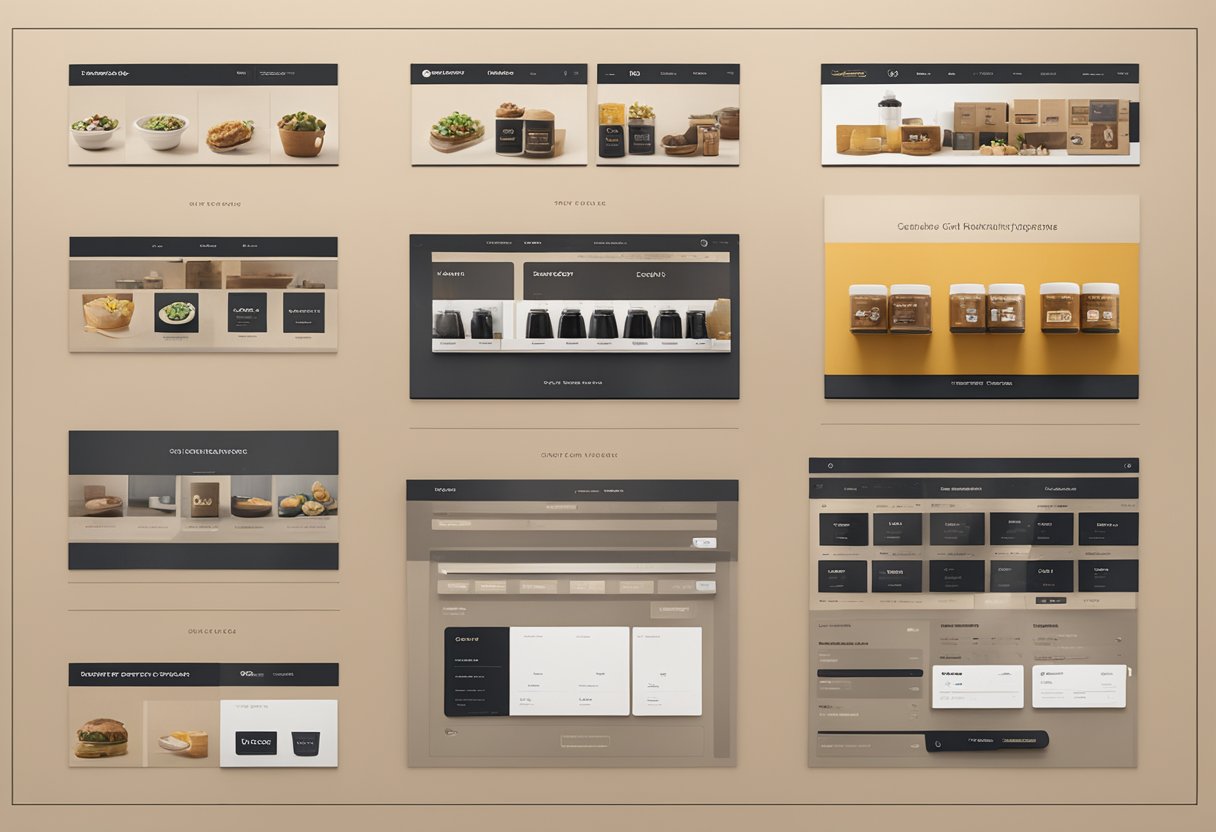
Making your checkout process stand out takes more than just basic settings. With Shopify’s powerful customization tools and integration options, you can create a checkout experience that reflects your brand and boosts sales.
Tailoring the Checkout with Customization
Let’s face it – a generic checkout page doesn’t inspire confidence. Shopify gives you plenty of ways to make it your own!
You can easily add your logo, change colors, and select fonts that match your brand through the checkout and accounts editor. No coding required! These simple tweaks help maintain brand consistency throughout the shopping journey.
For Shopify Plus users, the customization options are even more exciting. You get access to:
- Custom scripts for special pricing rules
- Full checkout.liquid file editing
- Dynamic shipping options
- Specialized upsell opportunities
We’ve seen conversion rates jump by 15-25% just by adding trust badges and simplifying the form fields. Remember, less friction means more completed purchases!
Boosting Sales with Shopify Apps and Scripts
The right apps can transform your checkout from basic to brilliant. We love how they can solve specific problems without requiring custom code.
Our favorite checkout-enhancing apps:
- One-click upsell tools
- Abandoned cart recovery
- Discount code generators
- Product bundling solutions
Scripts are especially powerful for Shopify Plus stores. They let you create custom pricing rules, tiered discounts, and special offers based on customer behavior. For example, you could automatically add a free gift when someone spends over $100.
Analytics integration is crucial here. Connect your checkout data with Google Analytics or Shopify’s built-in reports to track where customers drop off. This information helps you fine-tune your strategy over time.
Seamless Integration for a Smooth Ride
Your checkout doesn’t exist in isolation. It needs to play nice with your other business tools and platforms.
Payment gateways are the obvious first integration point. Shopify works with over 100 payment providers. But Shop Pay deserves special mention. It speeds up checkout by saving customer info. This boosts conversion rates by up to 1.72x!
Don’t forget about email marketing platforms for post-purchase flows. Also, consider integrating inventory management systems, shipping and fulfillment services, and customer service tools.
We’ve found that the most successful stores create a unified experience across all touchpoints. When your checkout connects smoothly with marketing, inventory, and customer service, you create a seamless experience that customers love and trust.


