My Blog
Shopify Theme Animations: 5 Easy Tricks to Make Your Store Pop in 2025
Animation can transform your Shopify store from static and forgettable to dynamic and engaging. In today’s competitive ecommerce landscape, standing out matters more than ever. Adding thoughtful animations to your online store is one of the easiest ways to capture attention and i…
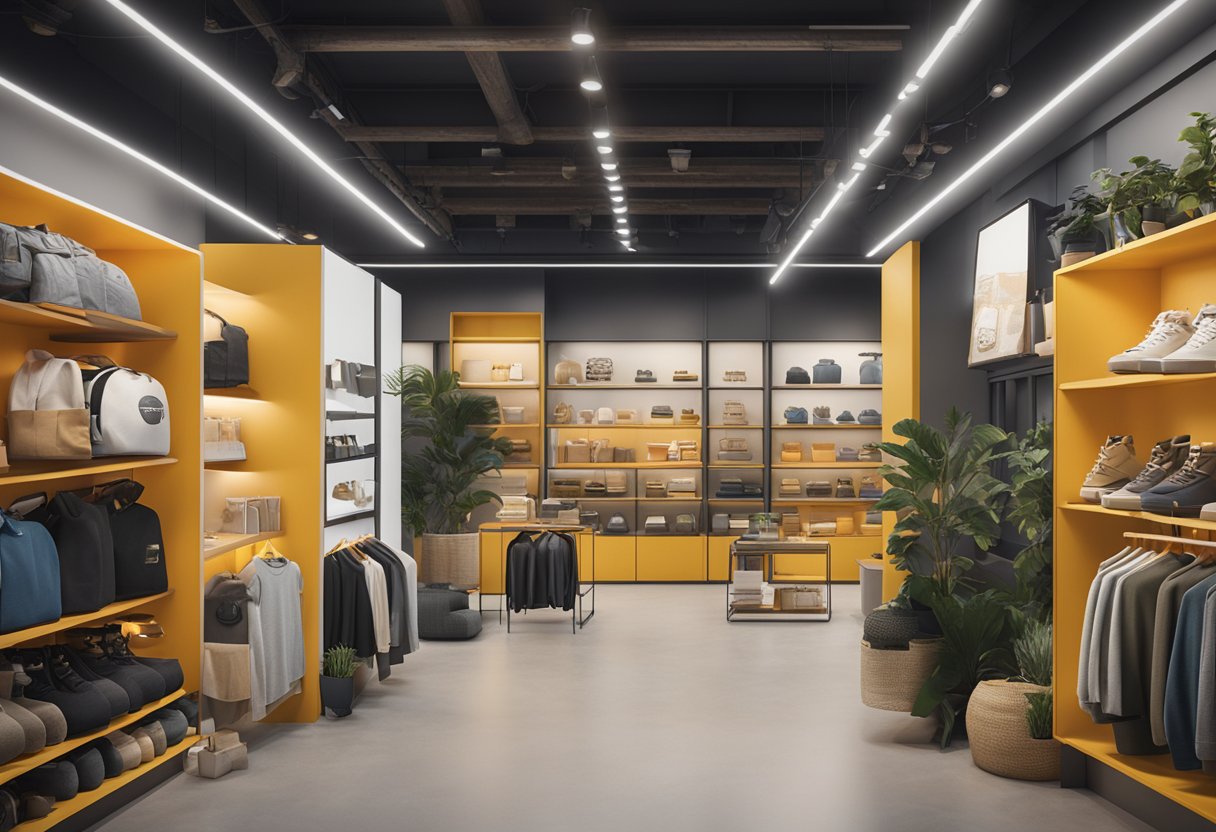
Animation can transform your Shopify store from static and forgettable to dynamic and engaging. In today’s competitive ecommerce landscape, standing out matters more than ever. Adding thoughtful animations to your online store is one of the easiest ways to capture attention and improve user experience.
Motion and animation elements in your Shopify theme can increase customer engagement by up to 40%. They also make your products more memorable to potential buyers.
Looking to breathe life into your online store? Shopify themes like Motion and Impact offer built-in animation features. These can highlight your products, guide customers through their shopping journey, and reinforce your brand identity. These animations don’t just look pretty—they serve real purposes like drawing attention to sales, smoothing transitions between pages, and creating an emotional connection with shoppers.
Let’s dive deeper into how you can use Shopify theme animations to transform your ecommerce store, boost conversion rates, and create a shopping experience that keeps customers coming back for more…
Crafting the Narrative with Animation
Animations breathe life into your Shopify store, turning static pages into dynamic storytelling experiences. When used thoughtfully, these motion elements guide customers through your brand journey while creating memorable shopping moments.
The Art of Storytelling Through Motion
Your brand has a unique story, and animations help tell it in captivating ways. Narrative, one of Shopify’s newer themes, was specifically designed with storytelling in mind.
Key animation elements for brand storytelling:
- Subtle entrance animations for product descriptions
- Reveal effects that unveil your brand values as customers scroll
- Animated highlights for customer testimonials
- Sequential animations that guide the eye through your brand journey
We’ve found that visual storytelling through motion creates stronger emotional connections. When products fade in elegantly or text appears at just the right moment, customers feel more engaged with your message.
Remember to keep animations aligned with your brand personality. Playful brands might use bouncy, energetic movements, while luxury brands often benefit from smooth, subtle transitions.
Boosting Engagement with Interactive Experience
Interactive animations transform passive browsing into active exploration. This engagement keeps shoppers on your site longer and improves conversion rates.
Effective interactive animations include:
- Hover effects that reveal product details
- Animated buttons that respond to clicks
- Product carousels with smooth transitions
- Animated micro-interactions (like hearts filling when items are added to wishlists)
Many modern Shopify themes include built-in animation settings. This makes it easy to add these engagement-boosting elements without coding knowledge. For example, you can create animated product carousels that showcase multiple items in an engaging way.
We recommend starting with subtle hover effects. When customers move their cursor over products and see gentle animations, it creates a sense of responsiveness that mimics physical shopping.
Creating an Immersive Background Atmosphere
The background of your Shopify store sets the mood for the entire shopping experience. Animated backgrounds create depth and immersion that static designs simply can’t match.
Popular background animation techniques:
- Parallax scrolling effects that create depth
- Subtle video backgrounds that showcase products in use
- Animated color gradients that shift gently
- Floating elements that move independently
Video backgrounds can dramatically showcase your products in action. The Motion theme uses animation and video specifically to enliven your brand storytelling.
We love how parallax scrolling creates a 3D effect as visitors move down the page. This simple technique adds depth without overwhelming the shopping experience.
Just remember to keep file sizes optimized! Even beautiful animations won’t help if they slow down your store. Most Shopify themes with animation features are designed with performance in mind.
Enhancing UX with Shopify Theme Features
Thoughtful animations and design elements can transform your online store from basic to extraordinary. The right features create an experience that keeps customers engaged and coming back for more.
Navigating Your Shopify Store with Ease
Navigation is the backbone of any successful online store. A well-designed menu system helps customers find what they’re looking for without frustration.
Mega Menus are game-changers for stores with lots of products. They display multiple categories at once and can include images to help shoppers visualize options. We love how they reduce clicks and prevent the dreaded “where am I?” confusion.
Animated dropdown menus add a touch of personality while serving a practical purpose. The smooth motion draws the eye and confirms the customer’s action.
Some of our favorite navigation enhancements include:
- Sticky headers that stay visible as users scroll
- Breadcrumb trails that show the path back to the homepage
- Search bars with animated expansion
- “Back to top” buttons that slide into view
Visual Appeal Meets Functionality
The best Shopify themes balance beauty and usability. Eye-catching doesn’t have to mean complicated!
Product pages benefit tremendously from subtle animations. Zoom effects on product images, animated “add to cart” buttons, and smooth transitions between product variants all enhance the shopping experience.
We’ve seen conversion rates climb when stores use:
- Animated product carousels that showcase featured items
- Hover effects that reveal quick-view options
- Loading animations that keep customers engaged while content loads
- Subtle background animations that don’t distract from products
Your branding should shine through these elements. Custom animations that match your brand colors and style create a cohesive feel throughout the store.
Mobile-First: Optimizing for Portable Devices
Over 70% of shoppers browse on mobile devices, so mobile-responsive design isn’t optional—it’s essential!
When selecting animations for mobile, think minimal and purposeful. Heavy animations can slow down mobile sites and drain batteries.
Mobile-friendly features we recommend:
- Hamburger menus that animate open/closed
- Touch-friendly buttons (at least 44×44 pixels)
- Swipe gestures for product galleries
- Loading animations that indicate progress
Responsive design ensures your store looks great on any screen size. The best themes automatically adjust layouts, font sizes, and animations based on the device.
Test your animations on actual mobile devices! What looks smooth on desktop might stutter on phones, creating a frustrating experience instead of an engaging one.


