My Blog
Shopify Product Customization: 5 Easy Ways to Let Customers Design Their Perfect Purchase in 2025
In today’s competitive online marketplace, standing out is essential for your Shopify store . Product customization offers an exciting way to give customers exactly what they want while boosting your sales.
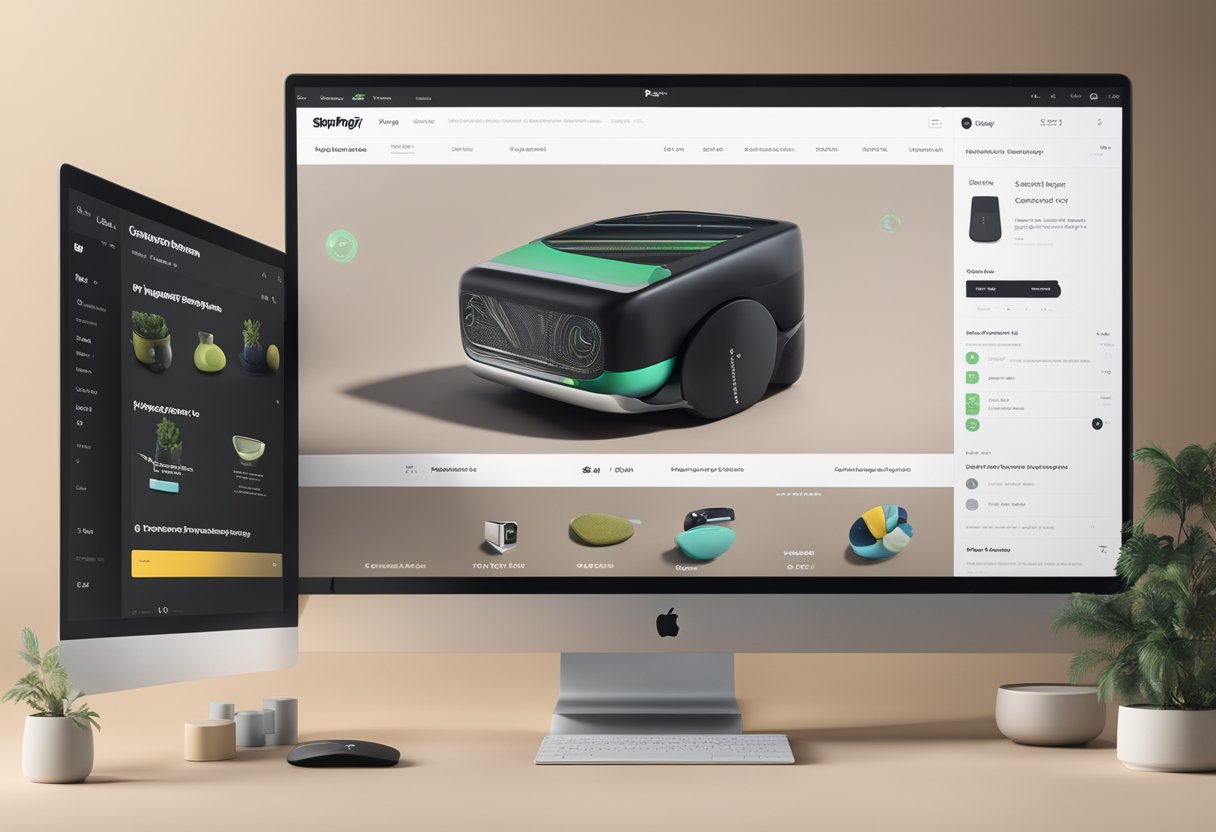
In today’s competitive online marketplace, standing out is essential for your Shopify store. Product customization offers an exciting way to give customers exactly what they want while boosting your sales.
Adding personalization options to your Shopify products transforms the shopping experience. It allows customers to modify items based on their unique preferences and needs.
We’ve seen firsthand how stores that implement product customization tools enjoy higher customer engagement and satisfaction. With apps like Product Customizer and Custom Product Builder, you can easily add unlimited options for personalization. These features turn passive browsers into active participants in creating their perfect product.
Let’s dive deeper into how you can implement effective product customization on your Shopify store, the best apps to consider, and the strategies that will help you maximize this powerful approach to boost your conversion rates and customer loyalty…
Unlocking Customization on Shopify
Shopify offers several ways to make your products stand out with customization options. Whether you’re selling t-shirts, jewelry, or furniture, letting customers personalize their purchases can boost sales and customer satisfaction.
Getting Started with Shopify Product Customization
There are two main approaches to adding customization to your Shopify store:
- Using Shopify’s built-in features – This is perfect for beginners or those with simple customization needs.
- Installing a product customization app – Great for more complex options and advanced functionality.
To get started with basic customization:
- Go to your Shopify admin panel
- Navigate to “Products”
- Select the product you want to customize
- Scroll down to “Variants” section
- Add options like size, color, or material
For each variant, you can set different prices, inventory levels, and images. This helps customers see exactly what they’re getting before they buy.
Exploring Customization Options
Shopify lets you create various types of custom fields to collect specific information from customers:
- Text inputs – Perfect for names, messages, or other personalized text
- Dropdowns – Great for selecting from predefined options
- Multi-select options – When customers need to choose multiple features
- Buttons – For easy selection of simple options
Custom fields can be optional or required depending on your product needs. You can even set up conditional logic where selecting one option reveals additional choices.
Some apps offer advanced features like custom pricing based on selections. For example, larger sizes or premium materials might cost more. This flexibility helps you offer customization while maintaining your profit margins.
Adding Pizzazz with Color & Image Swatches
Plain text options are functional, but color swatches and image swatches create a much more engaging shopping experience.
With color swatches, customers can:
- See exact color options visually instead of just reading color names
- Compare different color combinations easily
- Make confident buying decisions
Image swatches take this even further by showing actual product photos for each option. This works wonderfully for:
- Fabric patterns
- Wood finishes
- Design styles
- Material textures
To implement swatches, you’ll likely need a specialized Shopify app. These apps typically offer drag-and-drop interfaces that make setup simple, even if you’re not tech-savvy. The visual impact of swatches can dramatically improve conversion rates on your product pages.
Boosting Sales with a Personal Touch
Product customization isn’t just about letting customers design their own items – it’s about creating meaningful connections that drive sales. When shoppers feel their unique needs are being met, they’re more likely to complete their purchase and come back for more.
Leveraging Reviews and Ratings
Customer feedback is gold for your customization strategy! Reviews that specifically mention personalization options can help new visitors understand the possibilities.
- Highlight customization success stories by featuring photos of personalized products submitted by happy customers
- Ask specific questions in your review forms like “How did you personalize your product?” or “Did customization meet your expectations?”
- Display your overall rating prominently on product pages with customization options
We’ve seen merchants increase conversions by 24% just by adding a review section that filters for comments mentioning “personalization” or “custom options.” This social proof helps hesitant shoppers take the plunge.
Advanced Pricing and Custom Options
Customization doesn’t have to be complicated for you or your customers! Clear pricing for different options makes the shopping experience smoother.
Consider these approaches:
- Tiered pricing – Basic monograms at one price, complex designs at another
- Bundle discounts – Lower prices when multiple customizations are selected
- Subscription options – Discounted customization for repeat customers
File upload features are super helpful for customers wanting to add their own designs. Just make sure to set clear guidelines about file types and sizes!
Pro tip: Always show a preview of the final customized product before checkout. This reduces returns and increases customer satisfaction.
Fostering Merchant-Customer Relationships
Personalization creates amazing opportunities to build lasting connections with your shoppers. It’s not just about the product – it’s about the experience!
Quick response times are essential when customers have questions about customization options.
We recommend live chat support during business hours. Also, clear FAQs about customization possibilities and tutorial videos showing the customization process.
Product recommendations based on previous customizations can boost repeat purchases. For example, “Loved your monogrammed journal? Try our customizable planner!”
These relationships lead to word-of-mouth marketing. When someone receives a thoughtfully customized gift, they’ll often ask where it came from. This brings new customers to your store without additional ad spend!


