My Blog
Shopify Inventory Control Hacks That’ll Save Your Sanity (And Your Profits) in 2025
Managing inventory can feel like a never-ending juggling act for e-commerce store owners. You’re constantly trying to balance having enough stock to meet demand without tying up too much money in excess inventory.
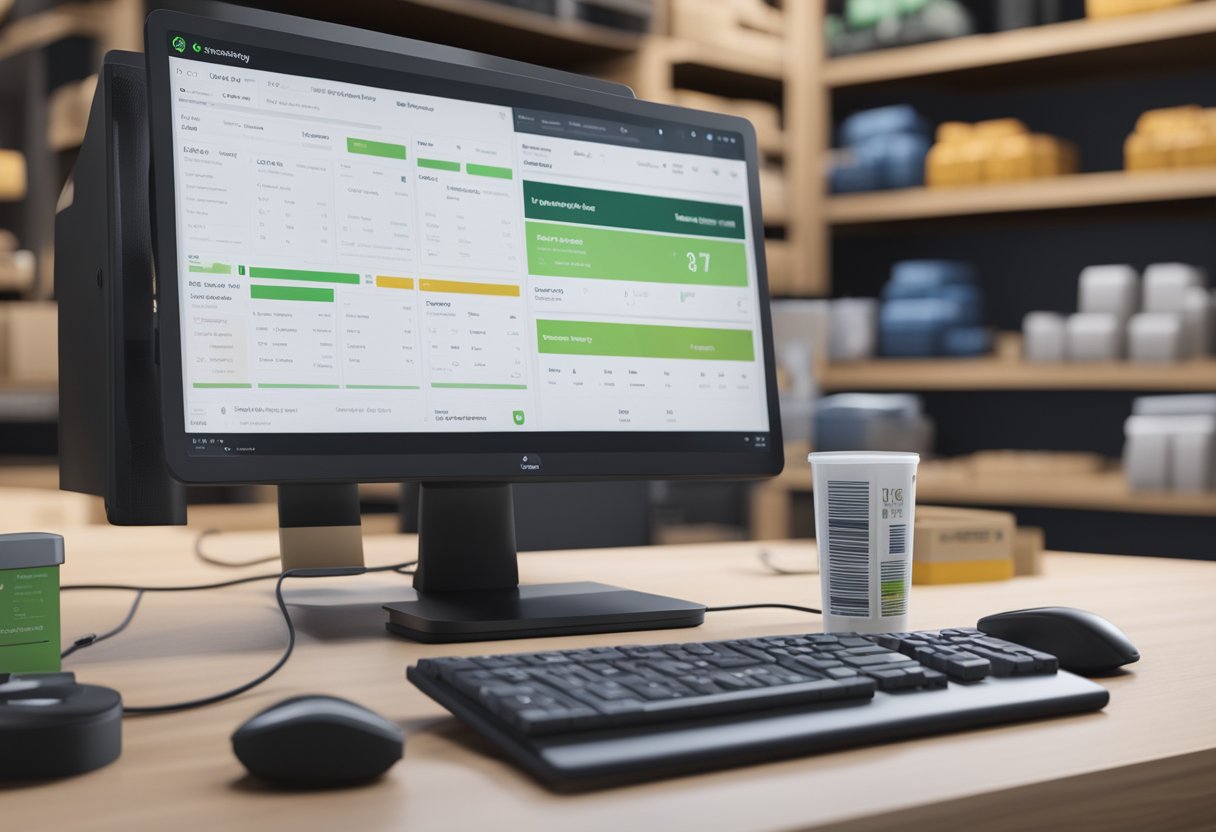
Managing inventory can feel like a never-ending juggling act for e-commerce store owners. You’re constantly trying to balance having enough stock to meet demand without tying up too much money in excess inventory.
That’s where Shopify’s built-in inventory management tools come in handy.
With Shopify’s inventory system, you can track stock levels, set reorder points, categorize products, and manage suppliers all from a single platform.
We’ve seen many online retailers transform their operations by using these tools effectively. Shopify makes it simple to view your current inventory, adjust counts when needed, and even create inventory transfers between locations.
Plus, with the Shopify App Store offering nearly 500 inventory-related apps in 2025, you can customize your setup to match your specific business needs.
Let’s dive deeper into how Shopify’s inventory control features can help you save time, reduce costs, and keep your customers happy with products that are always in stock…
Mastering Inventory Management with Shopify
Shopify’s powerful inventory tools help store owners track products, prevent stockouts, and maintain accurate inventory levels across all sales channels. Let’s explore how to set up and use these features effectively.
The Basics of Shopify Inventory Control
Shopify inventory control is all about keeping track of what you have in stock and where it’s located.
When you’re just getting started, you’ll want to focus on these key elements:
- Product organization: Use SKUs (Stock Keeping Units) to give each product a unique identifier
- Initial inventory counts: Accurately record how many items you have on hand
- Low stock alerts: Set up notifications so you know when to reorder
Barcode scanning makes receiving new inventory super easy! Just scan items as they arrive to update your counts instantly. No more manual counting errors!
We’ve found that stores who master the basics see fewer stockouts and happier customers. Plus, you’ll spend way less time wondering “where did all my inventory go?” and more time growing your business.
Setting Up Your Inventory Management System
Getting your inventory system up and running in Shopify is pretty straightforward. Here’s how we recommend doing it:
- Navigate to the Inventory area in your Shopify admin panel
- Enable inventory tracking for each product (this is crucial!)
- Set reorder points based on how quickly items sell and how long restocking takes
For multi-location businesses, you’ll want to specify which warehouses or stores hold your products. This prevents the awkward “Sorry, we don’t actually have that here” conversation with customers.
Don’t forget to organize products into collections! This makes bulk inventory updates much easier when you need to adjust multiple items at once.
Inventory Tracking and Sync Features
Real-time tracking is where Shopify really shines! When a customer buys something from any sales channel, your inventory counts update automatically. No more overselling or disappointing customers.
Some of our favorite tracking features include:
- Multi-channel sync: Keep inventory accurate across your website, social media shops, and in-person sales
- Inventory history: See when and why stock levels changed
- Automatic stock updates: Never manually adjust counts after a sale
For growing businesses, we recommend exploring Shopify’s inventory apps for advanced features like demand forecasting and automated purchase orders.
Inventory reports help spot trends like which products turn over fastest. Use these insights to make smarter purchasing decisions and reduce the cash tied up in overstocking slow-moving items.
Optimizing Your Inventory for Better Performance

Smart inventory management is the backbone of a successful Shopify store. When you get your inventory right, you’ll save money, keep customers happy, and sleep better at night!
Strategies to Avoid Stockouts and Overstock
Stockouts and overstock are retail nightmares that can hurt your bottom line. Finding that perfect balance is key to success.
Start by analyzing your sales data to identify patterns. Which products fly off the shelves? Which ones collect dust? This insight helps you make smarter purchasing decisions.
Set up reorder points for each product. When stock dips below this threshold, it’s time to place a new order. We recommend using the formula:
Reorder Point = (Average Daily Sales × Lead Time) + Safety Stock
Categorize your inventory using the ABC method:
- A items: High-value products (80% of revenue)
- B items: Mid-value products (15% of revenue)
- C items: Low-value products (5% of revenue)
Focus most of your attention on A items since they impact your business most. For seasonal items, plan ahead! Increase stock before high-demand periods and reduce afterward.
Leveraging Technology for Efficiency
Shopify’s built-in tools are amazing for basic inventory management, but you can take things to the next level with apps and integrations.
Use Shopify’s inventory alerts to get notifications when stock is running low. This feature is often overlooked but super helpful for staying ahead of potential stockouts.
Consider these tech solutions to boost efficiency:
- Barcode scanners for quick and accurate stock counts
- Demand forecasting tools that predict future sales
- Inventory management apps that integrate with your Shopify store
Automating repetitive tasks saves tons of time. Set up automatic purchase orders when inventory hits reorder points. This reduces manual work and human error.
Cloud-based inventory systems give you real-time visibility across all sales channels. This is especially valuable if you sell in multiple places beyond just your Shopify store.
Enhancing Customer Satisfaction Through Inventory Excellence
Great inventory management directly impacts how happy your customers are with your store. When products are available when promised, trust builds naturally.
Be transparent about stock levels on your product pages. Show “Only 3 left!” to create urgency or “Back in stock May 5th” to set clear expectations when items are unavailable.
Consider implementing a “continue selling when out of stock” option for popular items. This lets customers place backorders rather than losing sales entirely.
Offer alternatives when products are unavailable. Set up product recommendation engines that suggest similar items to keep customers shopping.
Fast shipping depends on efficient warehouse organization. Store popular items together and near packing stations to speed up order fulfillment.
Track key metrics like inventory turnover rate and perfect order rate. These numbers tell you how well your inventory systems are working and where to improve.


