My Blog
Shopify Customization Best Practices: 5 Game-Changing Tweaks That Boosted Our Sales Overnight
Setting up a Shopify store is exciting, but making it truly yours can feel overwhelming. Many shop owners struggle with customization. They are unsure of where to start or how to make changes that boost sales. We’ve helped hundreds of store owners transform their basic shops into…
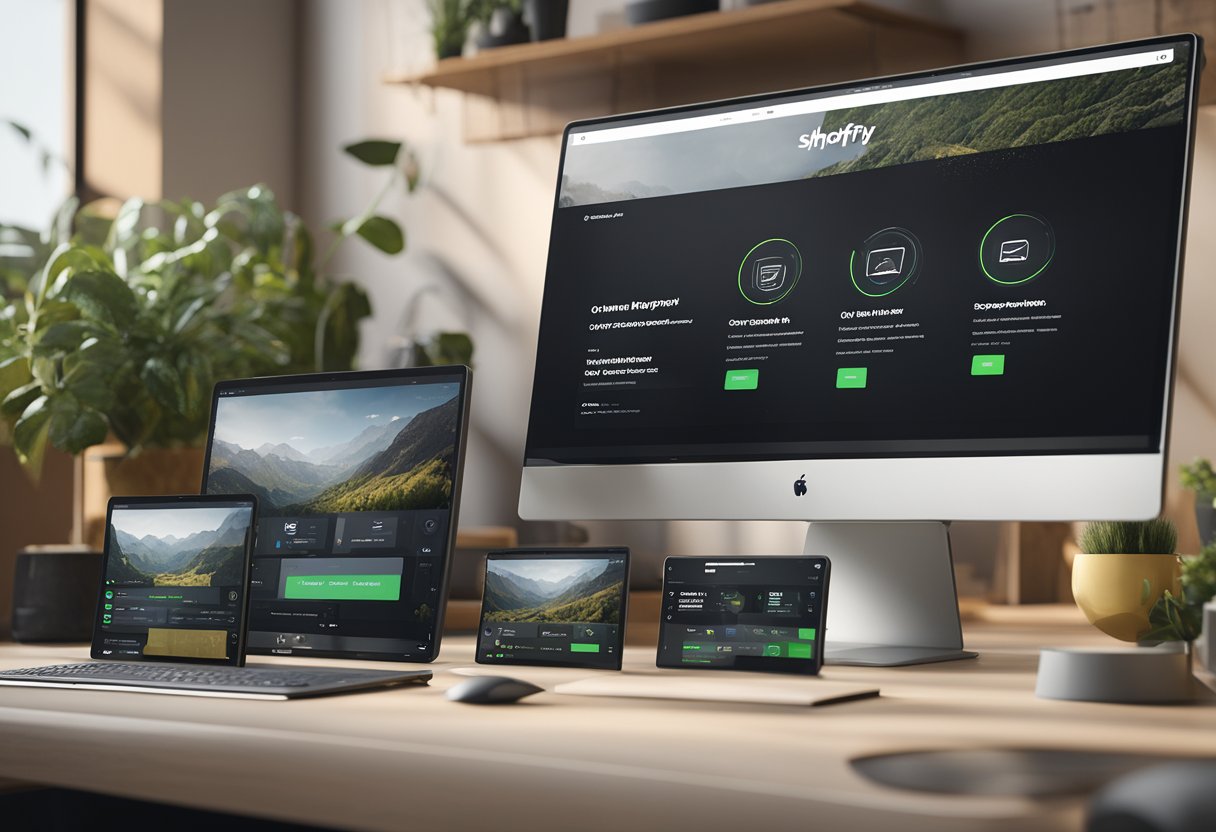
Setting up a Shopify store is exciting, but making it truly yours can feel overwhelming. Many shop owners struggle with customization. They are unsure of where to start or how to make changes that boost sales. We’ve helped hundreds of store owners transform their basic shops into conversion machines. Now, we’re here to share what works.
The most effective Shopify customization starts with a clear strategy focused on improving user experience and conversion rates, not just making things look pretty. This means choosing a solid base theme, creating a backup before making changes, and focusing on modifications that guide customers toward purchase. The right customizations can dramatically increase your store’s performance without requiring a complete rebuild.
Let’s dive deeper into the best practices for Shopify customization that will help your e-commerce store stand out from the competition while driving real business results…
Mastering Shopify Theme Magic
Let’s unlock the secrets to making your Shopify store truly shine! When customizing your shop, understanding the technical aspects while keeping the customer experience front and center is key to success.
Diving Into Liquid and Coding Customizations
Liquid is Shopify’s template language and your best friend for customizations. It might look intimidating at first, but we promise it’s worth learning!
Quick Liquid Tips:
- Use
{{ product.title }}to display product names - Try
{% if customer %}to create personalized content - Explore
{% section %}tags for modular layouts
Always back up your theme before making changes. We can’t stress this enough! One wrong code snippet can break your entire store.
For CSS tweaks, use the theme editor’s custom CSS section for small changes. For bigger modifications, you’ll need to edit the actual theme files.
/* Example: Change all buttons to blue */
.btn {
  background-color: #0047AB;
}
Designing for Mobile Responsiveness
In 2025, most of your customers are shopping on phones. Your store needs to look amazing on every device!
Mobile-First Checklist:
- Test your store on multiple devices
- Keep menus simple and thumb-friendly
- Use larger tap targets (at least 44×44 pixels)
- Optimize images for quick loading
When customizing, check how your changes look on mobile first, then tablet, then desktop. This order helps catch responsive issues early.
Avoid horizontal scrolling at all costs! It’s the fastest way to lose mobile customers. Use responsive units like percentages instead of fixed pixels when setting widths.
Boosting User Experience with Navigation & Collections
Your navigation is the roadmap to your products. Make it intuitive and your customers will thank you!
Keep your main menu focused on 5-7 key categories. Too many choices lead to decision paralysis! For subcategories, dropdown menus work wonders.
Collection Display Tips:
- Use clear, high-quality product images
- Show important details without requiring clicks
- Include color/variant options when possible
- Add “Quick View” features for faster browsing
We love using collection templates to highlight bestsellers or seasonal items. The “Featured Collection” section in Shopify makes this super easy to manage.
Test your navigation paths regularly. Can new visitors find what they need in 3 clicks or less? If not, it’s time to simplify!
Playing the SEO and Conversion Game

Every successful Shopify store balances two crucial elements: getting visitors to your site and turning them into customers. Let’s explore how to optimize your store for search engines while creating an experience that converts browsers into buyers.
On-Page Shopify SEO Techniques
Winning at Shopify SEO starts with smart keyword research. We’ve found that targeting specific, product-related keywords works much better than generic terms. For example, “handmade ceramic coffee mugs” will bring more qualified traffic than just “mugs.”
Here are some key on-page SEO techniques for your Shopify store:
- Optimize title tags – Include your main keyword and keep it under 60 characters
- Craft unique meta descriptions – Write compelling 150-160 character summaries for each page
- Use your blog strategically – Target informational keywords that shoppers use earlier in their journey
- Create a logical site structure – Organize collections and products in a way that makes sense
Don’t forget about technical SEO! Shopify handles some basics, but we recommend checking for broken links and fixing duplicate content issues regularly.
Optimizing Product Pages and Images
Product pages are where the magic happens. Each page should tell a complete story about your product while being optimized for search engines.
For product descriptions:
- Write unique, detailed content for each product (no copy-pasting!)
- Include keywords naturally in headings and first paragraph
- Highlight benefits, not just features
- Use bullet points for specifications
Image optimization is crucial for both SEO and page speed:
- Use descriptive filenames (blue-wool-sweater.jpg, not IMG12345.jpg)
- Compress images before uploading to improve loading time
- Add alt text with keywords that accurately describe the image
We’ve seen conversion rates jump 15-20% just by adding high-quality product images from multiple angles and including lifestyle shots showing products in use.
Streamlining the Shopify Checkout Process
A smooth checkout process can dramatically improve your conversion rates. The fewer obstacles between “Add to Cart” and “Purchase Complete,” the better!
Try these checkout optimization tactics:
- Offer guest checkout options. Requiring accounts creates friction.
- Display security badges prominently to build trust.
- Show shipping costs early in the process to avoid surprise abandonment.
- Enable multiple payment options, including popular digital wallets.
Mobile optimization deserves special attention. Over 70% of Shopify store traffic comes from mobile devices. So, test your checkout flow on smartphones regularly.
Consider adding exit-intent popups with special offers for visitors about to leave. A small discount can rescue an otherwise lost sale and improve overall conversion rates.


