My Blog
Shopify Checkout Customization: 5 Game-Changing Tricks to Boost Your Conversion Rate Today
Tired of the same old boring checkout page on your Shopify store? You’re not alone! Many store owners struggle with the standard checkout process that doesn’t match their brand or help increase sales .
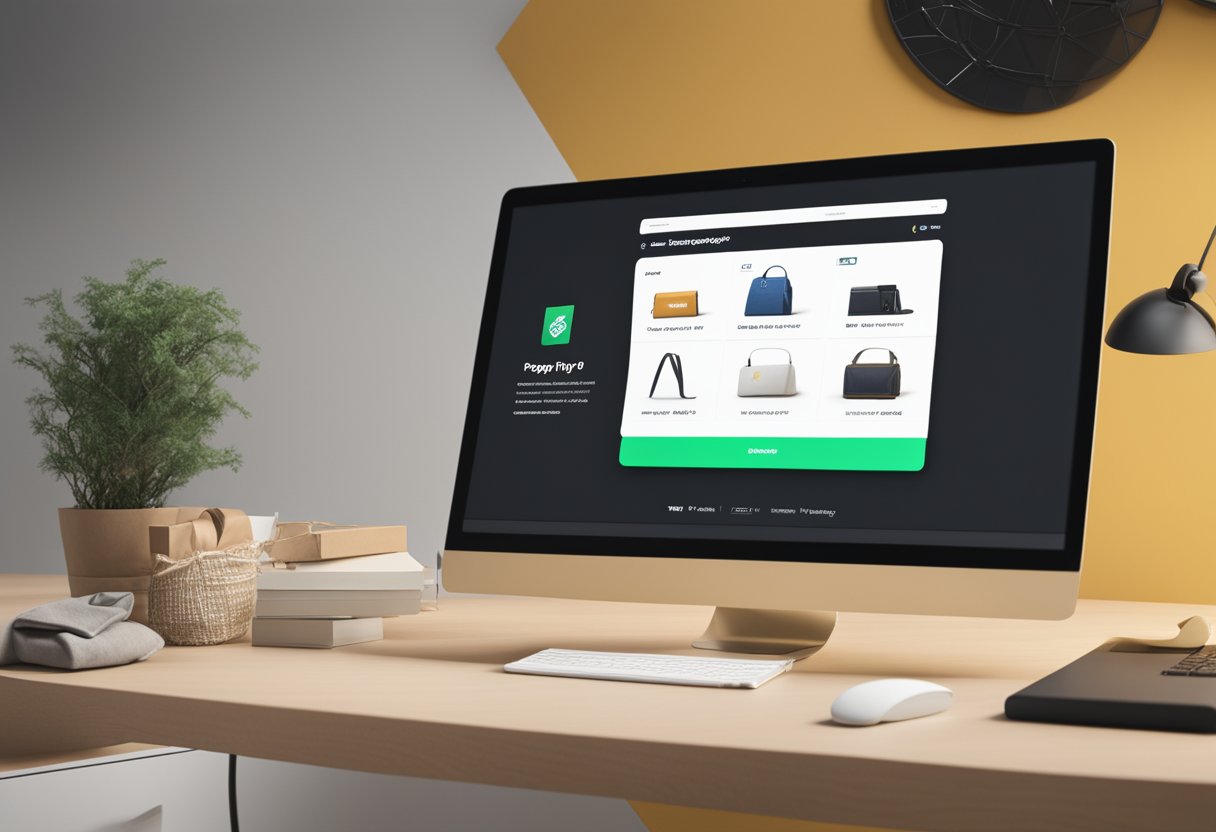
Tired of the same old boring checkout page on your Shopify store? You’re not alone! Many store owners struggle with the standard checkout process that doesn’t match their brand or help increase sales.
With Shopify checkout customization, you can transform this critical part of your customer journey by adding your logo, changing colors and fonts, and even incorporating useful features like upsell offers or loyalty points redemption.
We know the checkout experience can make or break your conversion rates. After all, this is where the magic happens – where browsers become buyers! Shopify offers several ways to personalize this important touchpoint, from simple branding tweaks to powerful functionality additions through apps and extensions.
Ready to boost your sales and create a checkout that truly reflects your brand? Let’s dive deeper into the different ways you can customize your Shopify checkout, whether you’re using standard Shopify or the advanced features of Shopify Plus!
Mastering Shopify Checkout Customization
Customizing your Shopify checkout is one of the most powerful ways to boost sales and create a seamless shopping experience. With the right approach, you can transform this critical touchpoint into a brand-strengthening, conversion-boosting powerhouse.
Elevating Brand Identity
Your checkout page should feel like a natural extension of your store. Shopify makes it easy to stamp your brand identity throughout the checkout process.
Quick brand wins:
- Add your company logo to create visual continuity
- Customize background colors to match your brand palette
- Select fonts that align with your overall site aesthetic
We’ve found that consistent branding across the entire shopping journey builds customer trust. When shoppers see familiar visual elements in checkout, they feel more confident completing their purchase.
Remember that simplicity works best here. Don’t overwhelm customers with too many visual elements that might distract from the main goal—completing their purchase.
Unlocking Checkout Extensibility
Shopify Plus merchants get access to advanced customization options through checkout.liquid files, enabling deeper control over the checkout experience.
Extended customization options:
- Custom HTML and CSS modifications
- JavaScript enhancements for interactive elements
- Integration with specialized apps for extra functionality
With checkout extensibility, you can create tailored experiences based on customer preferences. Display different payment methods for different regions, or show special offers to returning customers.
Custom apps can help solve specific checkout challenges like offering loyalty program redemptions or specialized shipping calculators. The flexibility of Shopify’s platform makes it possible to craft almost any checkout experience you can imagine.
Optimizing for Conversion Success
A well-optimized checkout dramatically reduces cart abandonment and boosts your bottom line. Focus on making the path to purchase as smooth as possible.
Conversion boosters:
- Streamline form fields (fewer fields = higher completion)
- Add trust badges near payment information
- Offer multiple payment methods including digital wallets
- Highlight free shipping thresholds to encourage larger orders
We recommend A/B testing different checkout configurations to see what works best for your specific customer base. Small tweaks like button colors or text can sometimes yield surprising improvements in conversion rates.
Discount codes and special offers at checkout can also rescue potentially abandoned carts. Consider implementing exit-intent popups with special offers when customers show signs of leaving during checkout.
Seamless Integration and Support

Shopify’s checkout customization shines brightest when it works smoothly with your existing systems and provides reliable support. Let’s explore how you can integrate checkout features while ensuring proper support and security.
Enhancing Your E-Commerce Arsenal
Integrating your customized checkout with other tools is super easy with Shopify. We’ve found that using the Shopify API is a game-changer for most store owners!
The Storefront API lets you connect your checkout to:
- Inventory management systems
- Third-party shipping calculators
- Customer loyalty programs
- Email marketing platforms
“We saw our conversion rate jump 23% after connecting our checkout to our inventory system,” shared one Shopify expert we work with.
When setting up integrations, focus on creating a unified experience. Customers hate feeling like they’re bouncing between different systems during checkout. Make sure shipping costs display accurately and payment options work without hiccups.
Providing Stellar Customer Support
A smooth checkout experience isn’t just about the technology—it’s about supporting your customers when they need help.
Shopify’s checkout customization allows you to:
- Add live chat support buttons at key decision points
- Display FAQ links where customers commonly get stuck
- Implement abandoned cart recovery emails
We recommend training your support team specifically on checkout issues. They should understand how to help customers who get stuck during payment or shipping selection.
The Shopify Admin gives you visibility into where customers abandon their carts. Use this data to improve both your checkout design and your support resources.
Remember that prompt support during checkout directly impacts your bottom line. One missing answer can cost you a sale!
Safeguarding Your Online Transactions
Security isn’t optional when it comes to e-commerce. It’s essential for building trust with your customers.
Shopify’s platform includes built-in security features. These include PCI compliance for credit card processing, fraud analysis tools, and HTTPS encryption throughout the checkout.
We always remind store owners to be careful when adding third-party apps to their checkout. Every integration should be vetted for security standards.
Consider adding trust badges to your checkout pages. They may seem small, but they reassure customers that their data is safe with you.
When customizing your checkout, don’t remove important security elements like verification steps. These features protect both you and your customers from fraudulent transactions.


