My Blog
Shopify Brand Guidelines: 10 Simple Steps to Make Your Store Stand Out in 2025
Thinking about creating a strong brand for your Shopify store? You’re not alone! Many shop owners struggle with consistency across their website, social media, and marketing materials. A well-defined brand guide brings everything together and helps customers recognize your busine…
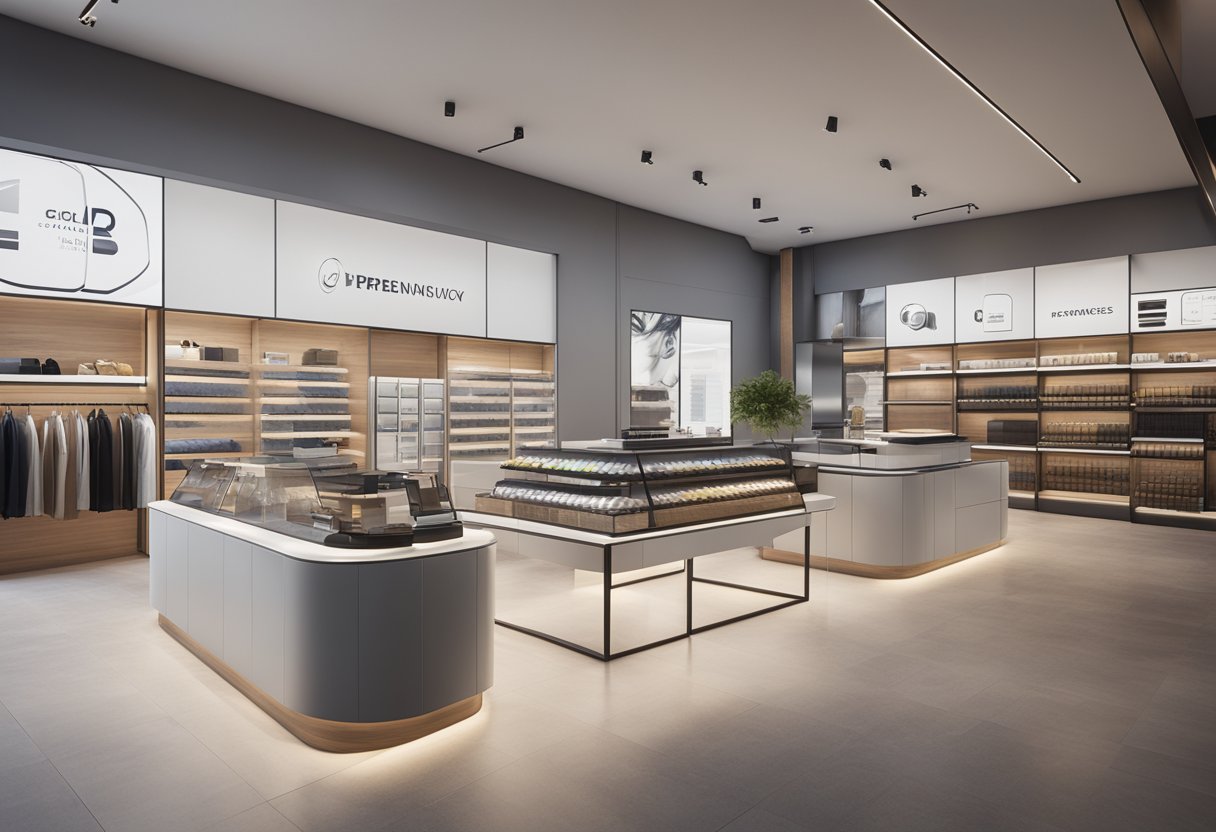
Thinking about creating a strong brand for your Shopify store? You’re not alone! Many shop owners struggle with consistency across their website, social media, and marketing materials. A well-defined brand guide brings everything together and helps customers recognize your business instantly.
Shopify brand guidelines are documents that outline how to use your company’s logos, colors, fonts, imagery, and voice to create a consistent brand experience across all platforms. These guidelines help everyone on your team understand how to represent your brand correctly, whether they’re designing product pages, writing social media posts, or creating ads.
Building a complete brand guide might seem overwhelming, but it doesn’t have to be complicated. Start with the basics like your logo usage, color palette, and typography, then add your brand story and voice as you go.
Developing Your Shopify Brand Identity
Creating a strong brand identity for your Shopify store helps you stand out in a crowded marketplace. A well-crafted brand makes your shop instantly recognizable and builds trust with customers.
Crafting Your Brand Voice and Personality
Your brand’s voice sets the tone for all your communications. Think about how you want customers to perceive your business.
Are you playful and casual? Professional and authoritative? Maybe a bit of both?
Start by listing 3-5 personality traits that match your brand values. For example:
- Friendly and approachable
- Expert but not intimidating
- Slightly quirky but professional
Write sample social posts, product descriptions, and customer service responses that reflect this voice. This helps everyone on your team stay consistent.
Remember to adjust your tone slightly for different channels while keeping your core personality intact. Your Instagram might be more casual than your help center, but both should feel like the same brand.
Logo and Typography Considerations
Your logo is often the first visual element customers associate with your brand. Keep it simple, memorable, and scalable for different applications.
For Shopify stores, we recommend:
- Creating multiple logo versions (full, simplified, icon-only)
- Testing how your logo looks in the checkout process
- Ensuring it works on mobile screens
Typography choices are equally important. Select 1-2 primary fonts that are:
- Easy to read on screens
- Available across platforms
- Reflective of your brand personality
Pro tip: Make sure your fonts display correctly on Shopify’s system. Some custom fonts may need additional implementation steps.
Keep typography consistent throughout your store, from product pages to checkout screens. This creates a cohesive shopping experience.
Choosing Your Brand Colors and Imagery
Colors trigger emotional responses and play a huge role in brand recognition. We suggest picking:
- A primary color (your main brand color)
- A secondary color (for accents and variety)
- 1-2 neutral colors (for backgrounds and text)
Tools like Adobe Color or Coolors can help you build complementary palettes. Test how your colors look on product pages, buttons, and alerts.
Images should reflect your brand’s style and values. Whether you use product photos, lifestyle images, or illustrations, maintain a consistent visual approach.
Create a simple style guide for your imagery:
- Lighting preferences (bright and airy? Dark and moody?)
- Subject matter guidelines
- Editing style (filters, saturation levels, etc.)
Designing with Shopper Experience in Mind
Your brand identity should enhance the shopping experience, not distract from it. We’ve found that simplicity works best.
Consider how your brand elements affect usability. Do your color choices make text easy to read? Is your logo responsive on mobile devices?
Test your design choices with actual shoppers. Watch how they navigate your store and gather feedback on visual elements.
Quick checklist for shopper-friendly design:
- High contrast between text and backgrounds
- Clear call-to-action buttons
- Consistent navigation layout
- Fast-loading images
- Responsive design elements
Remember that first impressions matter tremendously. Shoppers form opinions about your store within seconds, so make sure your brand identity creates immediate trust and visual appeal.
Optimizing Your Online Store for Success

Creating a well-optimized Shopify store involves strategic design and thoughtful content. When your store is properly structured, it can significantly improve both user experience and conversion rates.
Structuring Your Shopify Store Layout
Your store layout is crucial for guiding customers through their shopping journey. We recommend starting with clear navigation that makes it easy for visitors to find what they’re looking for.
Group your products into logical categories that match how your customers think. Keep your main menu simple with 5-7 primary categories. Too many choices can overwhelm shoppers!
Consider the flow of your pages:
- Homepage → Category page → Product page → Cart → Checkout
Each step should feel natural and intuitive. Use breadcrumb navigation to help customers understand where they are in your store.
Make sure your store is mobile-friendly. Over 70% of Shopify traffic comes from mobile devices, so test your layout on different screen sizes.
Product Listings and Descriptions That Sell
Great product pages convert browsers into buyers. High-quality images are non-negotiable! Include multiple angles and lifestyle photos showing your products in use.
Your product descriptions should balance features and benefits:
- Features tell what the product is
- Benefits explain why customers should care
Keep descriptions scannable with bullet points for key specs. Address common questions before they arise.
Write compelling meta descriptions with keywords to improve SEO and click-through rates from search engines.
Don’t forget about alt text for images! This helps with accessibility and gives you another SEO opportunity.
Consider adding short videos for complex products. These can increase conversion rates by up to 80% when done well.
Boosting Conversion Rates with Trust Signals
Trust signals reassure customers that your store is legitimate and reliable. Display customer reviews prominently – 92% of consumers read reviews before making a purchase.
Add trust badges and security icons near checkout areas. These small visual cues make a big difference in reducing cart abandonment.
Be transparent about shipping costs and delivery times. Unexpected costs at checkout are a major reason people abandon carts.
Other effective trust builders include:
- Detailed FAQ section
- Clear return policy
- Contact information that’s easy to find
- Social proof (customer photos, testimonials)
- Satisfaction guarantees
Including these elements can dramatically improve your conversion rates and build lasting customer relationships.
Leveraging Shopify Features for Customization
Shopify offers powerful customization options to match your brand guidelines.
Start by choosing a theme that aligns with your brand aesthetic. You can choose from free themes or premium options.
Customize your theme using Shopify’s built-in editor without needing coding knowledge. However, for more advanced customization, you might need HTML skills or a Shopify partner.
Take advantage of these valuable Shopify features:
- Product tags for better organization
- Automated email sequences for abandoned carts
- Custom checkout experiences
- Integration with marketing tools
Use customer data to personalize the shopping experience. You can show related products based on browsing history or create special offers for returning customers.
Make your store stand out with unique touches that reflect your brand personality. At the same time, make sure to maintain a consistent look and feel throughout.


